
In my recent Obsidian setup video I talked about how the ReadItLater and Obsidian Web Clipper were not working for me. I had to run through saving a web page twice to get the content I wanted.
A day after that video I was annoyed and searched "Read Later" in the community plugin manager and then found Slurp. With my first test it solved my issues and that's what I've been using so let's take a look at it.
Getting Content into Obsidian with Slurp
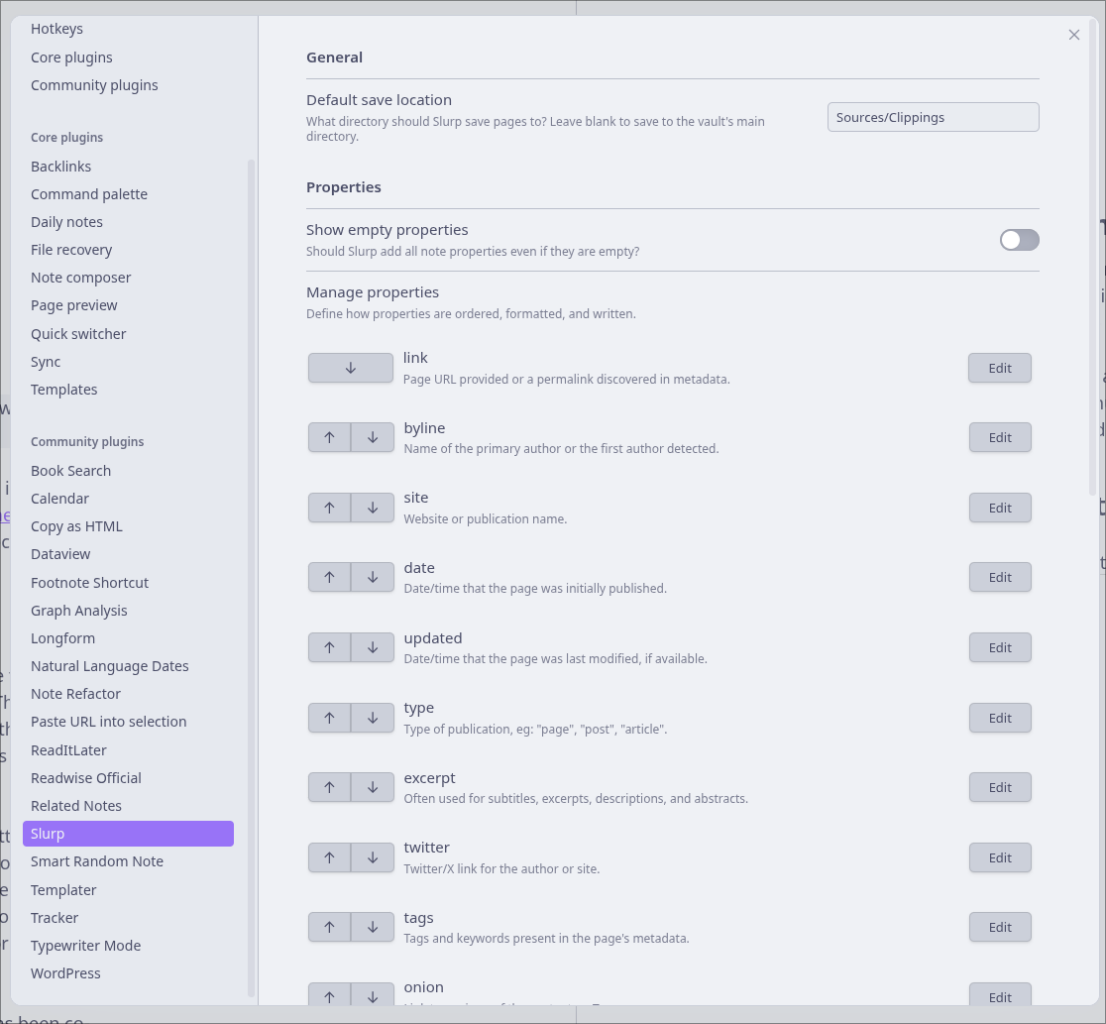
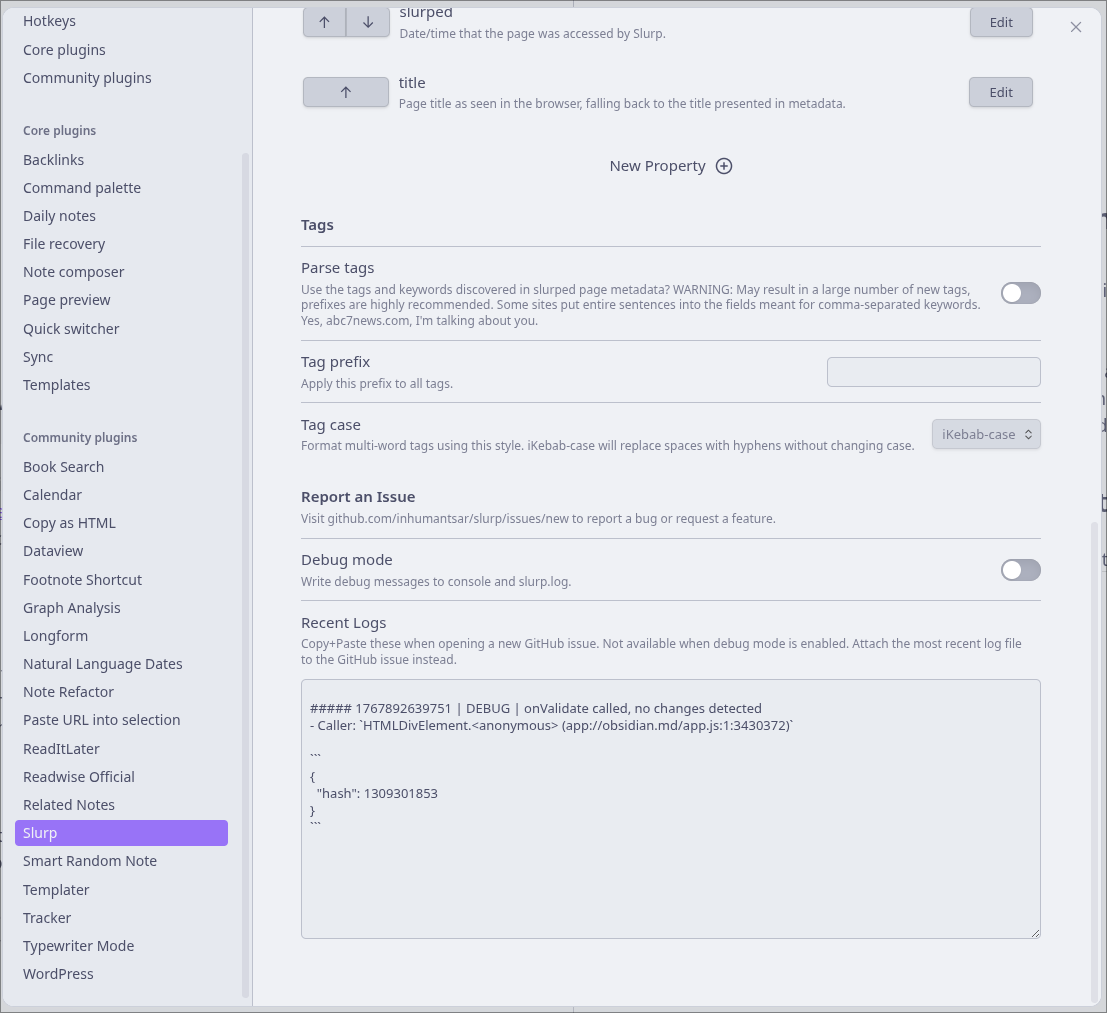
Once the plugin is activated you can head to the settings and change a few things about the plugin. The only thing that I bothered with was making sure that the saved content was going into Sources/Clippings to stick with the folder structure from my Obsidian video. If you want, you can also edit the order of properties, add new properties, have Slurp parse tags, and then edit how the tags show up. I don't use tags, instead opting for Tag Notes so I left tags off.
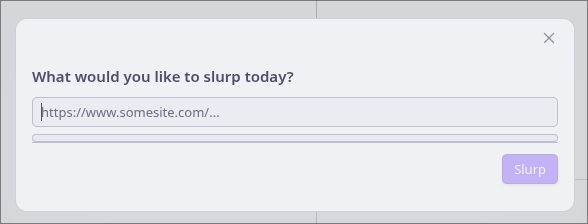
After that, head to a web page you want to save, copy the url and then you can use CTRL P (CMD P on macOS) to bring up the command palette. Type Slurp and then press enter on the action that saves a url. This brings up a dialogue where you paste your url in, then press enter.
You should be taken to the article you just saved where you can read it and mark it up, or link it to other notes in your vault.
Getting Content in Faster
Scrolling through the Slurp Github page you'll find that browser extensions are in the works to get content in faster, but for now there is a bookmarklet, a bit of JavaScript you make into a bookmark which can communicate with Obsidian and Slurp to save content faster.
To use it, right click on your bookmarks bar and add a new bookmark. Then title it Slurp (or whatever you want) and past the JavaScript into the URL field. Now you can trigger slurp by clicking the bookmarklet, or if you use Vimium C as I do for keyboard control in the browser, simply trigger the Bookmarklet. I still have to click to allow the JavaScript to run on a page so it's not entirely hands free.
So, Slurp solves the issues I had with Obsidian Web Clipper and the ReadItLater plugin and I've turned them off. I'll just use Slurp and watch for it to get a proper browser extension which I hope will allow full keyboard control to send content to Obsidian.