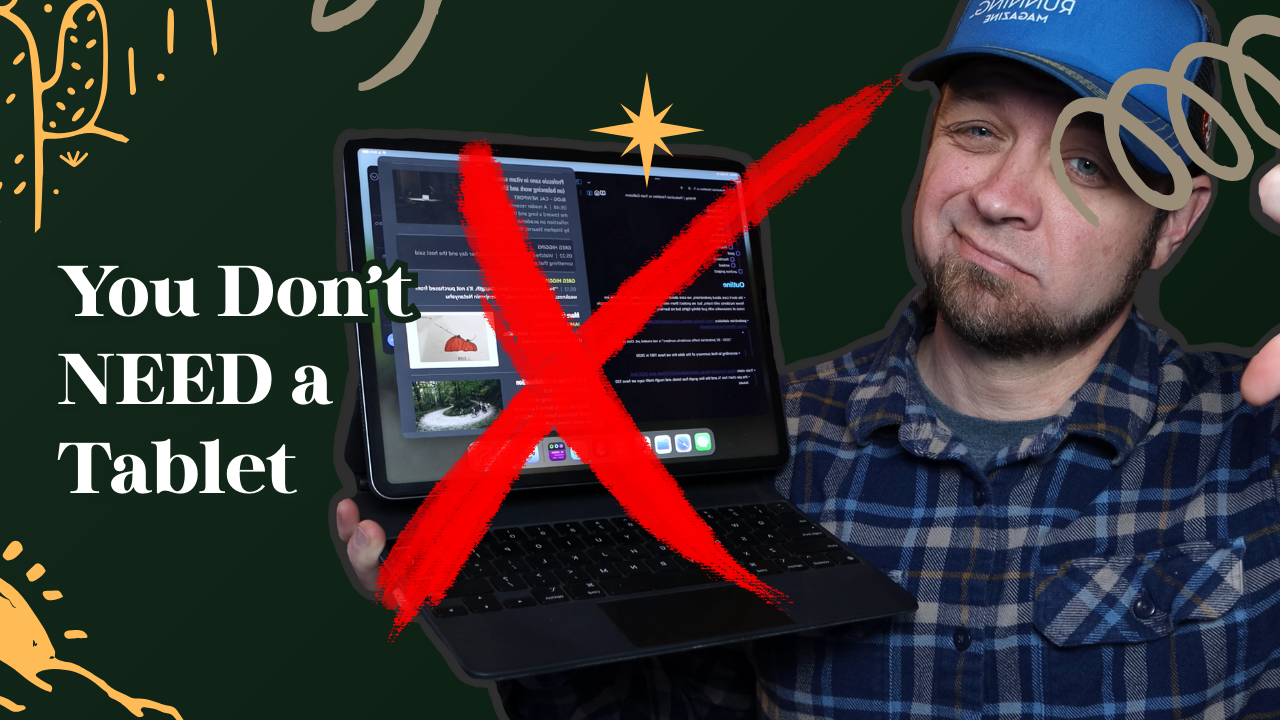
While the iPad was my “go to” portable machine for a while, the more I’ve used robust tools like Org Mode, the less my iPad has been a tool that serves my needs. Yes, it’s a marvel of engineering, with my M1 iPad Pro still feeling fast, but it’s lacking a bunch of the tooling that makes my computing life easier.
But is this just an issue with the iPad or is the issue with tablets in general? Is there a tablet out there that functions well in both computing work and tablet-based workflows?
iPad Issues
The biggest gripe I have right now is the lack of Emacs on the iPad, specifically Org Mode. I know about beorg and Mobius which gives me a type of Org Mode on my mobile devices. It’s not the same as proper Org Mode and more often than not, I have to figure out what changes beorg made and then fix them when I get back to my desk and am looking at my tasks.
Then there is the lack of keyboard control available when using beorg on the iPad. Yes there is some, but it’s not even close to a proper Emacs environment. This keyboard limitation isn’t only a beorg issue either, with a few notable exceptions, applications on the iPad have a design bias towards screen interaction. This leaves users with a keyboard limiting their productivity as they have to continually traverse the air space between the keyboard and the screen.
Windowing
I’ve been using iPadOS 26 betas since they came out. Yes they improved the windowing workflow of the iPad, though not even to the level available on macOS which is barely tolerable. While using Linux I’ve been able to work with Hyprland a tiling window manager which means I never have to take my hands off the keyboard to arrange my windows. As I’ve gotten used to Hyprland, any desktop environment like Plasma or Gnome or macOS feels like a step back in productivity. Then I try to do some work on my iPad and I realize how much worse window management is on the iPad.
While I can get some keyboard commands in regular desktop operating systems, iPadOS 26 requires far too much interaction with the screen to get a workable window layout. I’m swiping, and touching the screen to get things arranged that I can do in seconds without moving my hands from the keyboard in Hyprland. If I introduce a second monitor to my iPad workflow things get worse as I have to use the trackpad to carefully arrange windows on an interface that works best with touch.
What about other tablets?
Is it just the tablet form factor that’s an issue or is it the underlying operating system that causes issues? The iPad hardware is excellent, but remains hampered by its software.
I also have a Starlabs Starlite which I hoped would turn into a great Linux-based tablet. Even with the stock version of Ubuntu Starlabs put on it the tablet experience didn’t come close to the tablet experience on an iPad. The kickstand keyboard is serviceable, but a pain in the ass if you want to use it on your lap. The battery life isn’t even close to what the iPad brings to the table and it feels slow during regular online use.
While other tablets exist, they’re anemic hardware and lack of touch first operating system features mean they’re often a poor choice for either style of work.
Maybe You Don’t Need a Tablet
The idea of a tablet is that you have a computer that’s easy to take with you and use in your hand, or as a computer on your lap or desk. The reality is that the current devices have so many compromises that they probably only do one of those jobs well, and some do neither of the jobs adequately.
If it’s a good tablet, it’s not a good desktop replacement. If it works as a good desktop replacement, good luck using a stylus on it with anything like the ease you’d get on a dedicated tablet device.
When I want to get work done I come sit at my desk and work with my big screens on my Framework laptop. When I’m riding my bike I use my iPad as a Zwift device. It rarely leaves the tablet stand I have it set up on anymore.
One of the best things I’ve done for myself in the last year has been to leave my phone out of my pocket if I’m in the house. It’s been to come down to my office if I want to write and write. It’s been to leave my iPad where it is and walk around with no device in the house. No longer having a computing device within reach all the time has given me more time to talk with my family and made my life feel calmer in almost every moment.
The more intentional I’ve been about working when it’s work time, reading when it’s time to read, and ignoring devices more often the more meaningful each experience has become. I feel like work is easier to stay focused on, and time outside of work doesn’t feel intruded upon, because I know I focused and got good work done. I’m not trying to make up for the meandering half attention that I’ve given work in the past.