Ever since moving to Hyprland I've been unhappy with the screenshot capabilities I have. I wired Super P up to grim and slurp after digging around through tutorials like this and sure it works, but you just take a screenshot and then paste it into your file manager. Coming from Cleanshot X on macOS the tools were not what I was used to.
I tried Flameshot and it was okay with KDE and Gnome, but I was never able to get it to start on Hyprland.
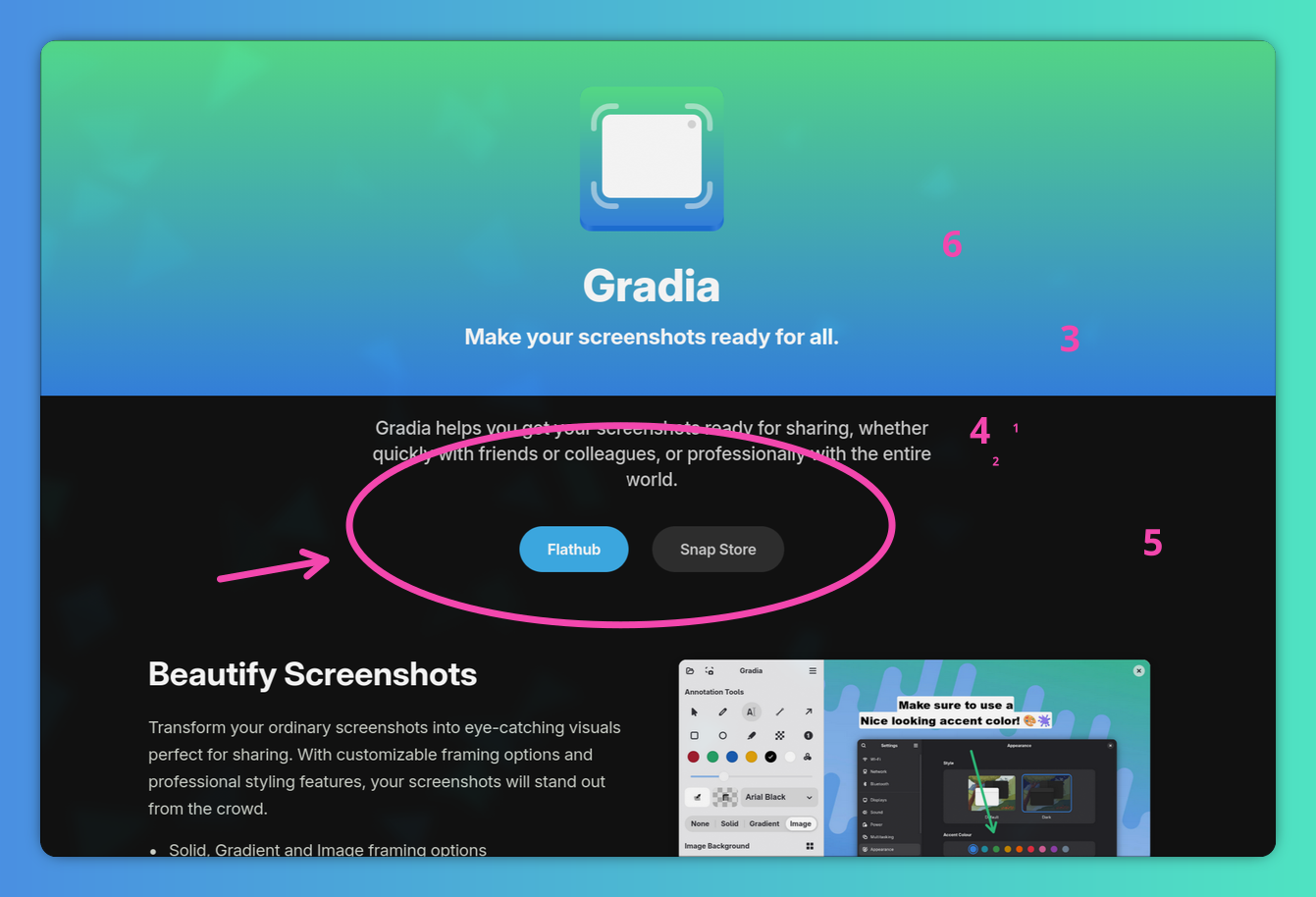
Enter Gradia
Listening to Linux Unplugged I heard the name Gradia pass by as a screenshot tool and while they didn't mention it worked with Hyprland, I know the host talking about it uses Hyprvibe so I figured there was a good change it would work.
Once Gradia is installed simple open it and then click the 'Take Screenshot' button or open an image in it from your file browser. I can even keep my Super P keyboard command and paste the screenshot into Gradia for markup.
After that, add the notes you want and then press CTRL S to save it. If you prefer you can also click the Copy to Clipboard button and get the image you have annotated directly in your clipboard.