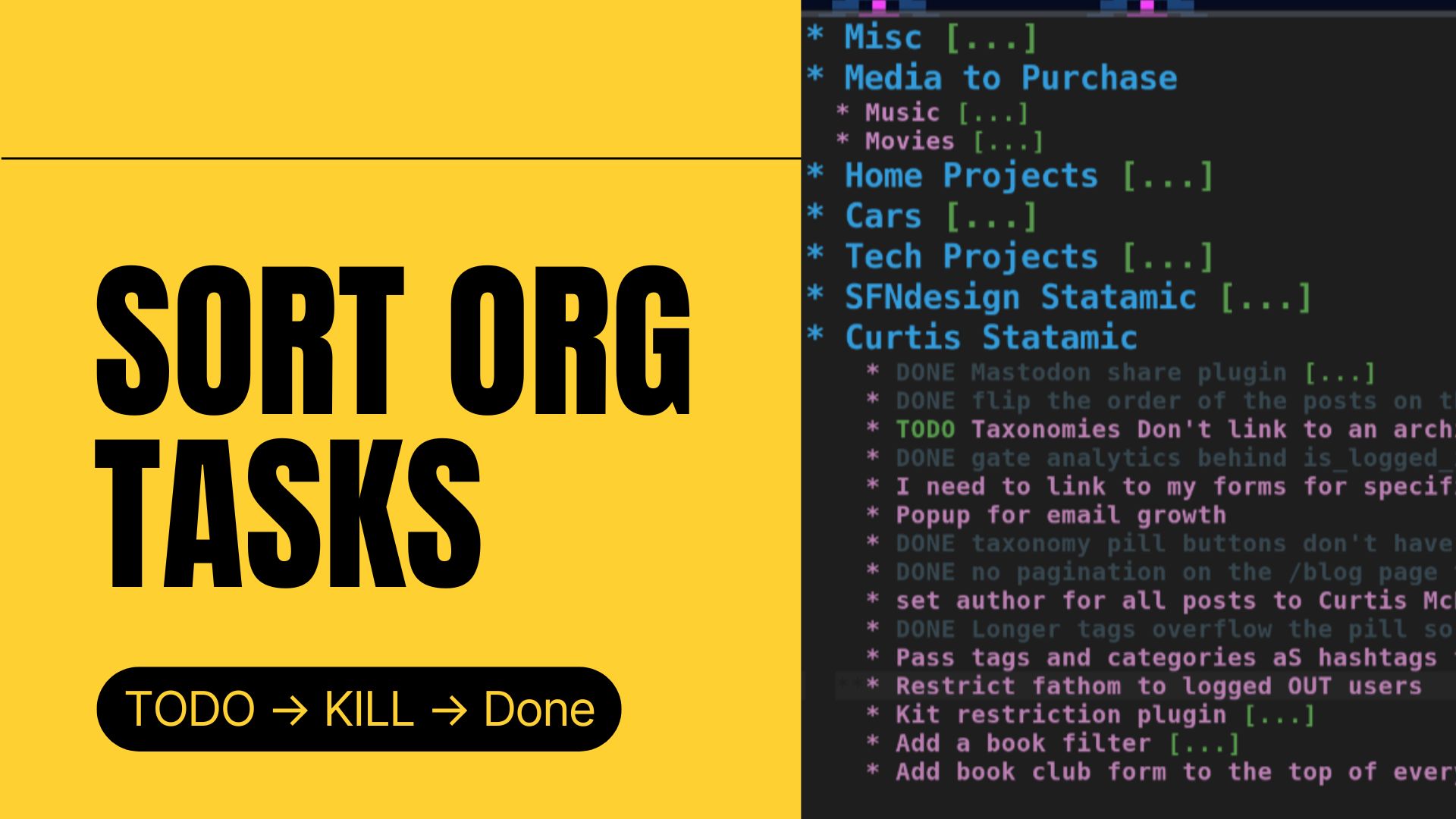
With some of my projects I resolve tasks, but the whole project isn't done. That, at times leaves me with DONE and TODO tasks mixed in with each other. This hurts readability for me.
To fix this press SPC m s S to bring up your sort options via org-sort. Then to sort by TODO status press o. This will sort the DONE tasks to the bottom of the list, but there is some nuance. This sorts based on the order of the keywords in org-todo-keywords. In my case, which I assume is default because I never changed it, DONE comes after TODO so it sorted exactly how I wanted it to.
If it's not sorting how you want you can see the keyword order by pressing C-h v then typing org-todo-keywords and press Return. While it's possible to change the order of the keywords here via the Customize link, that writes to custom.el and leaves your configuration split between config.el and custom.el so best practice is to define the order you want in config.el. Here is an example of what that would look like if you want to do it:
;; yes this sets two sequences
(setq org-todo-keywords
	'((sequence "TODO" "NEXT" "WAITING" "|" "DONE" "KILL")
	  (sequence "HABIT" "|" "DONE")))
You can also choose to sort by:
- alphabetically with
a - numerically with
n - priority with
p - property with
r - todo order with
o - func with
f- lets you sort by a custom Emacs function you provide - time with
t - scheduled with
s - deadline with
d - created with
c - clocking with
kwhich sorts by the total clocked time
Under the hood here org-sort is actually calling org-sort-entries. To understand exactly how that works press C-h f then type org-sort-entries and pressing Return. This should bring up the documentation for any function you search.
Looking through this documentation you can see that SPC m s S only sorts the direct children of the item you have highlighted.
I use this regularly as a newer Emacs person to see what some function I find does after pressing M-x and searching through the available functions. Sometimes it feels like two functions could match my needs and C-h f helps me figure out which one is the one I want to use.