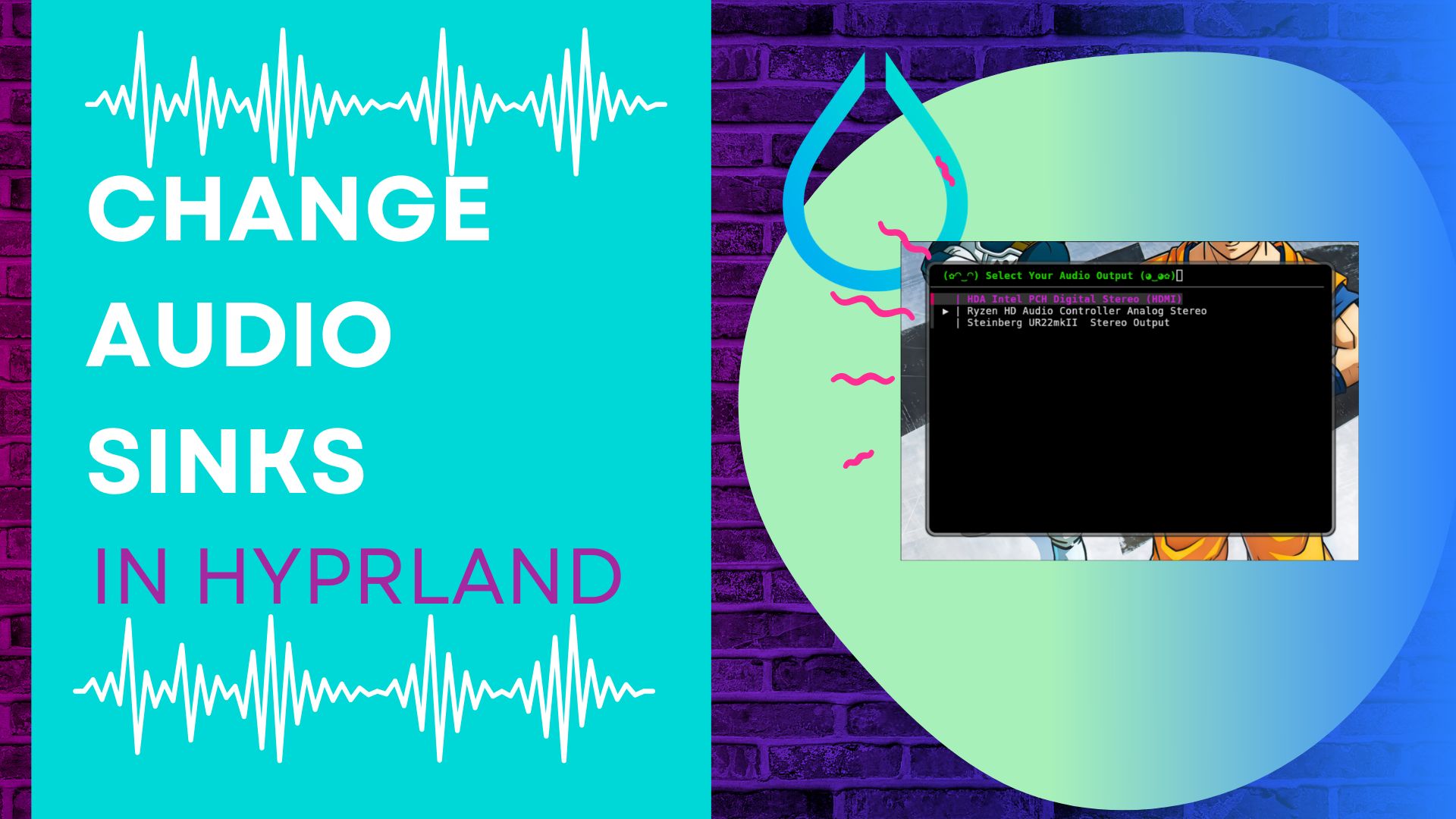
Until I moved to NixOS recently when I wanted to change audio sources I was pulling up the main volume controls.
SinkSwitch stepped in to save me from this extra work though. Now I can pres Super s and a window popus up that lets me change where all the sound is coming from.
Installation on NixOS
There is no entry in nixpkgs for Sink Switch but since it's just a small bash script it's relatively easy, if you can say that for Nix, to get installed.
Check your Dependencies
SinkSwitch requires fzf and wpctl (from wireplumber). If you are running Hyprland with PipeWire, wireplumber is almost certainly already present. Add fzf to your packages if it isn't there:
home.packages = with pkgs; [
  fzf
  # wireplumber provides wpctl — usually pulled in by your Hyprland/PipeWire setup
];
Vendor the script
Download the script from the repo and save it into your flake:
mkdir -p /etc/nixos/home/assets/sinkswitch
wpctl statuscjurl -Lo /etc/nixos/home/assets/sinkswitch/sinkswitch.sh \
  https://raw.githubusercontent.com/Seyloria/sinkswitch/main/sinkswitch.sh
Install via home-manager
In your home-manager config (e.g. home/profiles/common.nix) for my multi machine setup, install the script to ~/.local/bin and mark it executable:
home.file.".local/bin/sinkswitch.sh" = {
  source = "${inputs.self}/home/assets/sinkswitch/sinkswitch.sh";
  executable = true;
};
The inputs.self reference points at the root of your flake, so the path resolves correctly during build.
Add a Hyprland keybind
In your Hyprland config (e.g. home/profiles/desktop.nix inside extraConfig), launch sinkswitch in a floating kitty terminal:
bind = $mainMod, S, exec, kitty --title sinkswitch -e bash ~/.local/bin/sinkswitch.sh
Add a windowrule to float the terminal
Still in your Hyprland extraConfig, add a windowrule so the kitty window opens as a small centred float matched by its title:
windowrule {
    name = float-sinkswitch
    match:initial_title = sinkswitch
    float = on
    size = 600 400
    center = true
}
Rebuild
Rebuild your NixOS config. After it completes, press Super+S to open the sink picker. Use the arrow keys or type to filter, then press Enter to switch the default audio output immediately.
Updating the Script
Since the script is vendored in your flake, updating is just re-downloading it over the existing file and committing:
curl -Lo /etc/nixos/home/assets/sinkswitch/sinkswitch.sh \
  https://raw.githubusercontent.com/Seyloria/sinkswitch/main/sinkswitch.sh
Then rebuild your NixOS config. No Nix hash to update — the home.file source points directly at the file in your repo, so whatever is on disk at build time is what gets installed.
Optional: exclude sinks by ID
If you have virtual sinks or loopback devices you never want to see in the list, pass their IDs with the -exclude flag:
bind = $mainMod, S, exec, kitty --title sinkswitch -e bash ~/.local/bin/sinkswitch.sh -exclude 46,63
Run wpctl status to find the IDs of sinks you want to hide.