Category: Apps

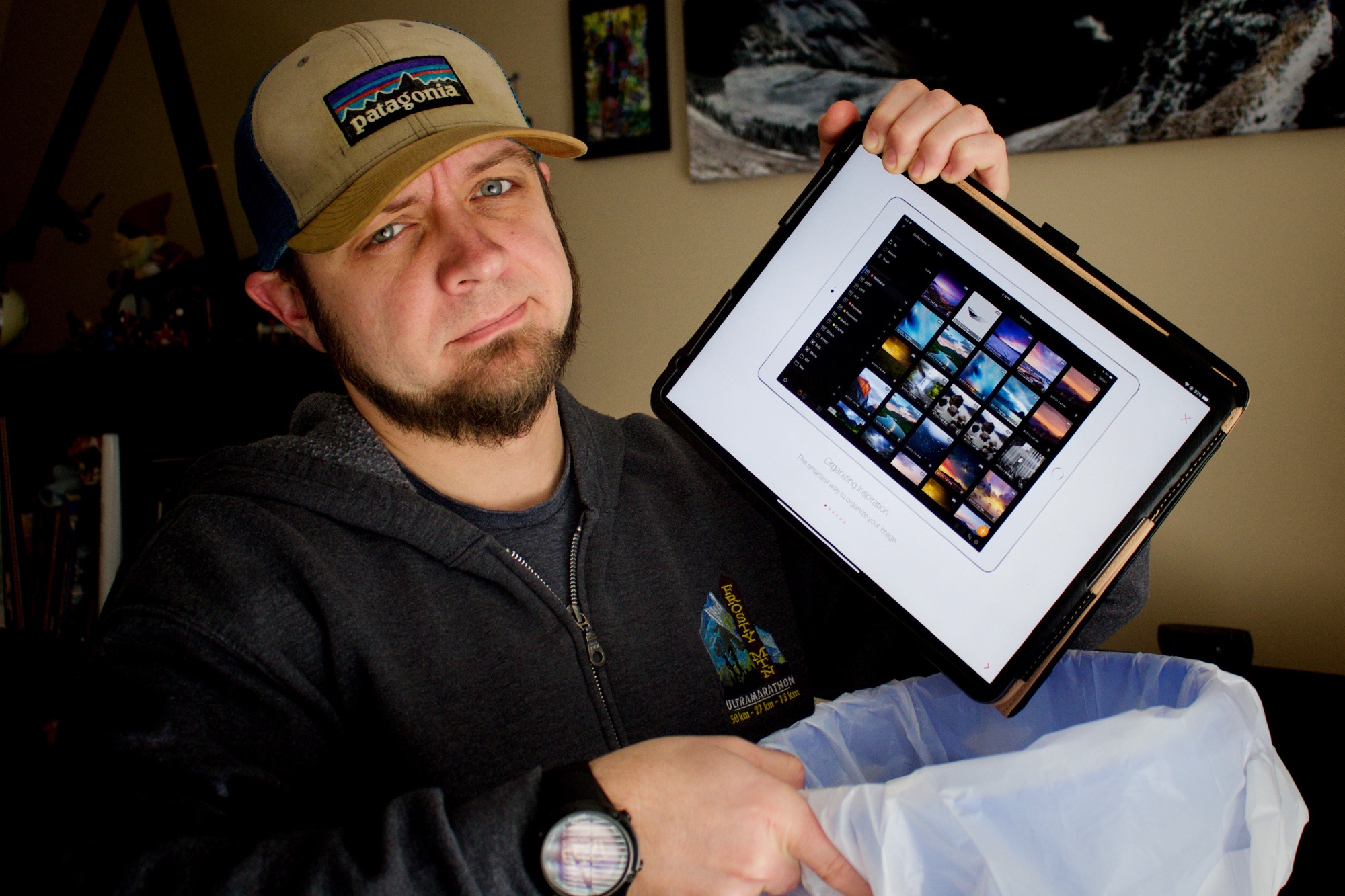
Pixave as Digital Asset Management for iOS (it’s terrible)
by
One of the places that iOS lacks is it’s Digital Asset Management. Sure, the typical home user has no issues. I had no issues with how iOS handled media until I started doing more videos. As soon as I started recording more video and wanted to keep b-roll around and findable, the limitations in iOS

Downloading Zoom videos on iOS
by
While Zoom runs credibly on iOS, you can’t record locally and unfortunately they make you jump through at least one hoop to download a call if you’re on iOS. The key to being able to get your video or audio out of the Zoom web interface is, as always, iCab set to show your browser

Scheduling a YouTube video from your iPad
by
One of the frustrations with iOS has been the way you have to work around limitations in some applications. The YouTube iOS app is one of the offenders. It lets you upload a video, tag it, and publish it, add it to a playlist. What it doesn’t do is let you schedule a video to

My iOS Podcasting Setup
by
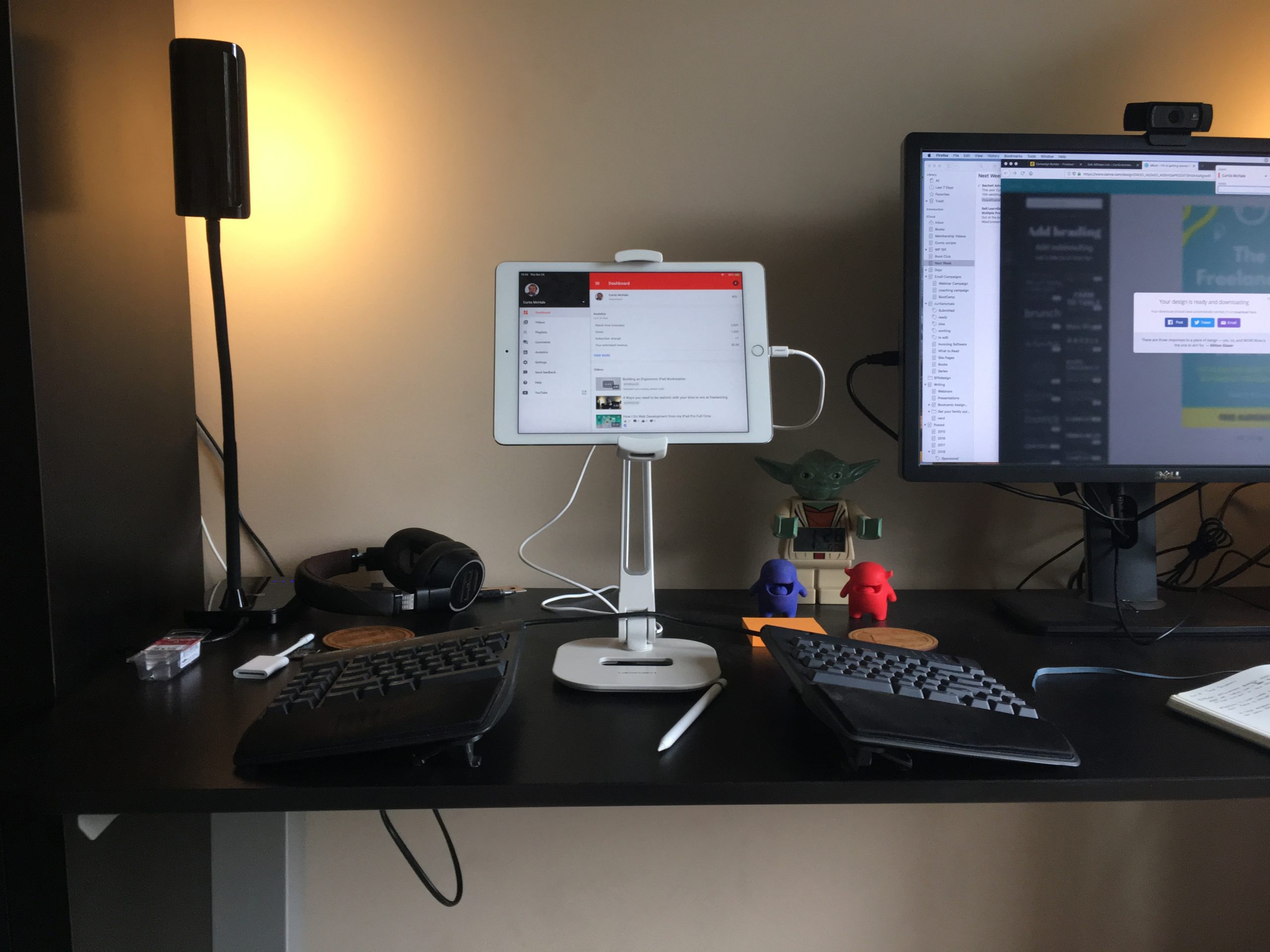
While I still don’t do interview shows from my iPad because I can’t record local audio and send it to the other party, I do record all my solo Podcasts directly to my iPad. I also edit all my podcasts directly on my iPad. Today we’ll walk through the gear and software I use to
Shawn Blanc on managing photos in iOS
by
Shawn has a good post on what he does. I’m still not sold on what iOS provides for digital asset management. I’m trying out Pixave to handle my video files now. It’s working okay, but has some issues I’m trying to dig deeper into. If you’ve got other options to manage, tag, sort, find digital

My Daily Shutdown Routines in Things 3
by
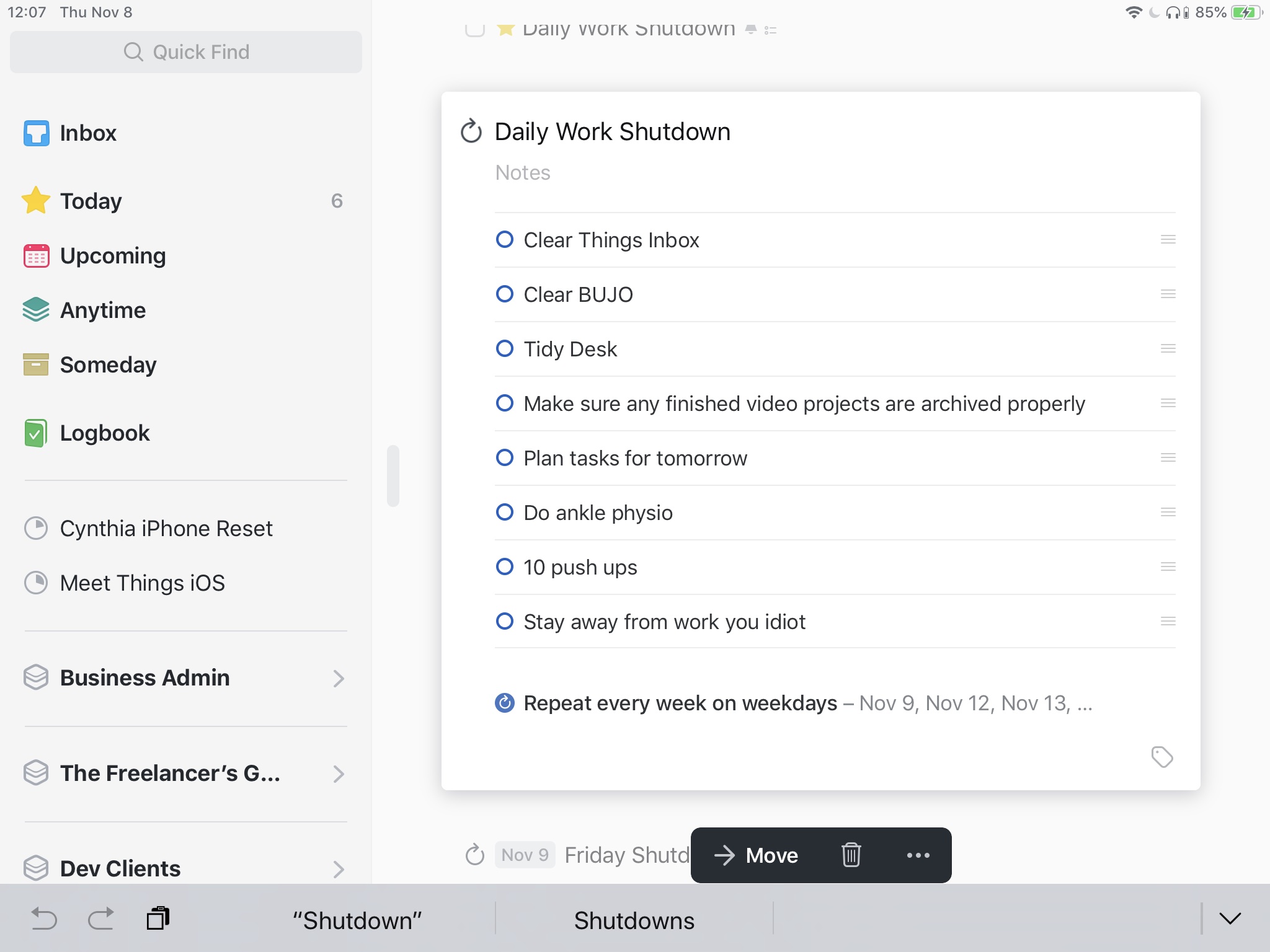
One of the best things I’ve added to my productivity system lately is the idea of a daily shutdown routine. Currently I have one for the end of the workday shutdown. I have one for the end of the day house shutdown and a set for Friday shutdown and Monday startup. Let’s take a look
My iOS video workflow on The Sweet Setup
by
You know I’m iOS first because I’ve said it a few times. Many of you have asked how I do it so I’ve been writing about it. Today you can read about how I shoot and edit videos with LumaFusion on my iPad Pro over on The Sweet Setup.
Dealing with zip files in iOS
by
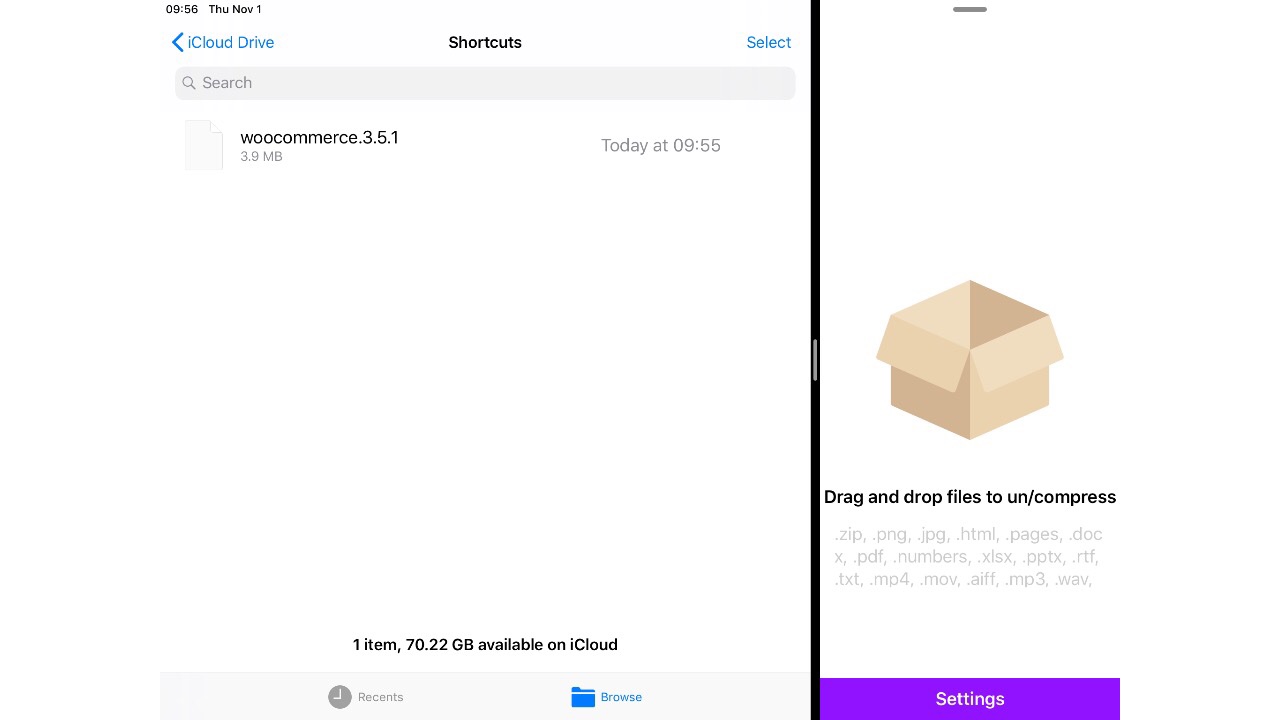
One of the things I get to do as I develop websites on iOS is deal with .zip files. I download plugins for WordPress and need to uncompressed them to upload to a client site. I need to grab a folder of files and compress them for a client so they have a copy of

Operating System Windowing and Focused Productivity: An Assertion on Why iOS feels more productive
by
I’ve made no secret about my change to a mostly iOS work environment. I eschew the task managers that everyone talks about and stick with paper and pen because it allows more focus. It’s so much harder to make commitments for future me with paper. In short, I believe that constraints are amazing. They make

Why I’m Not Buying the iPad Pro…yet
by
Today Apple announced an update to iPad Pro’s. They’re faster and they use USB C. One has a bigger screen with the same footprint. The other has the same size screen with a smaller footprint. Coming from my iPad Pro 9.7” either of these would be a substantial upgrade, but I’m not purchasing either of