-
Adding Tasks to Apple Reminders
by
Default List Before we get started with adding tasks to Reminders, you really should set up an Inbox list. To do this click Add List at the bottom of Reminders and make the name of the list Inbox. You’ll want to use this list as the default spot for all new Reminders that are added.
-
Greg Praising Analogue
by
From Greg It’s been a week since I ditched the digital calendar and went back to an analog system. I am really enjoying this part of my workflow and already looking at other ways I can get further away my from devices. I know I can’t get rid of them altoghether, but this is a
-
PKM Weekly Jan 8 2023 – Issue 051
by
Welcome to the PKM weekly newsletter. My goal is to round up good resources in the PKM space so you don’t have to. If you get value out of this newsletter consider supporting it by becoming a member. You can either get my weekly thoughts, or all my courses and my weekly thoughts. You could
-
We Don’t Care About the Kids
by
I don’t want to just talk about taking notes, I want to produce something. To that end, I share a year-long research project that I hope will finish in a book about people really not caring about children. Sure we say we do, but the design of schools and society in general clearly show we
-
Four Months a Year on Social Media
by
Well only if you count it as 8-hour work days, but still that’s crazy. I deleted social media from my phone years ago and have never missed it. I’m still on the fence about just leaving social media all together and using any time I’d spend on that to write/read or hang out with my
-
Josh on Modern Day File Storage
by
From Josh: Where you save the file won’t matter. What you name the file won’t matter. The file type won’t matter. When you last saved the file won’t matter. What will matter is your ability to use keywords to search for contents in the file. What will matter is your ability to use artificial intelligence
-
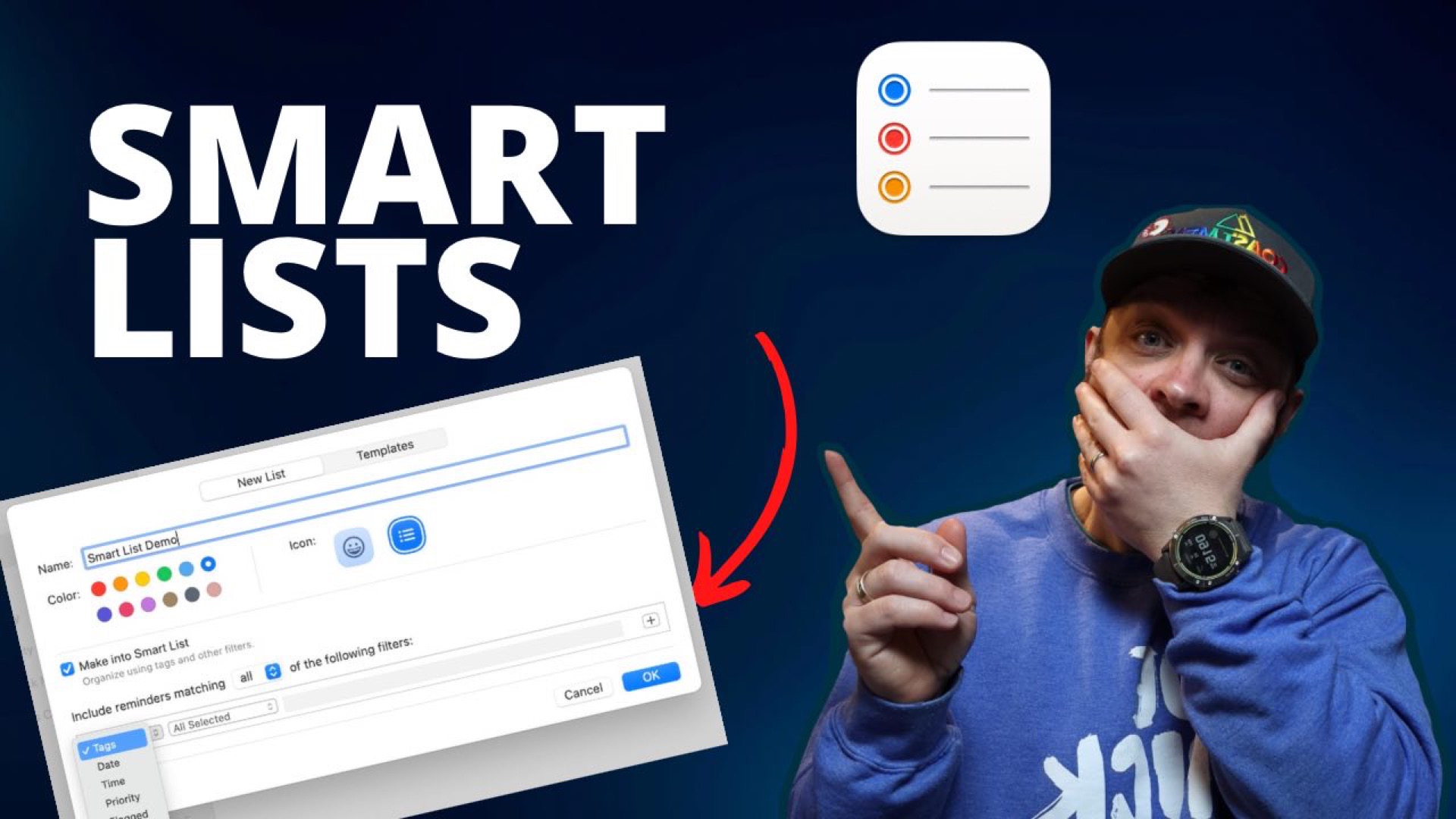
Smart Lists in Apple Reminders
by
In iOS 15 Apple revamped lists to give you more options in the way of making Smart Lists. These are lists that are populated based on search and filtering parameters that you can set. Creating a Smart List in Apple Reminders To create a Smart List, click the Add List button in the bottom left
-
Jamie’s list of books from 2022
by
I grabbed a few of the recommendations from Jamie and happened to have a few on my shelf already.
-
Track Diversity in Your Reading
by
If you’re looking for a book tracker then Bookish Brews has one that helps you track the diversity of the authors you’re reading. I’ve bookmarked this to see about adding it to my own Obsidian book tracking system.
-
I’m on Christmas Holiday – No PKM Weekly
by
Take a break.
Start Building Your Knowledge
Are you looking to be more creative, to connect your ideas?