Category: Apps
Default Apps for 2025
by
It’s the time of year when people are updating their lists of default apps. You can see my previous updates for 2023 and 2024.

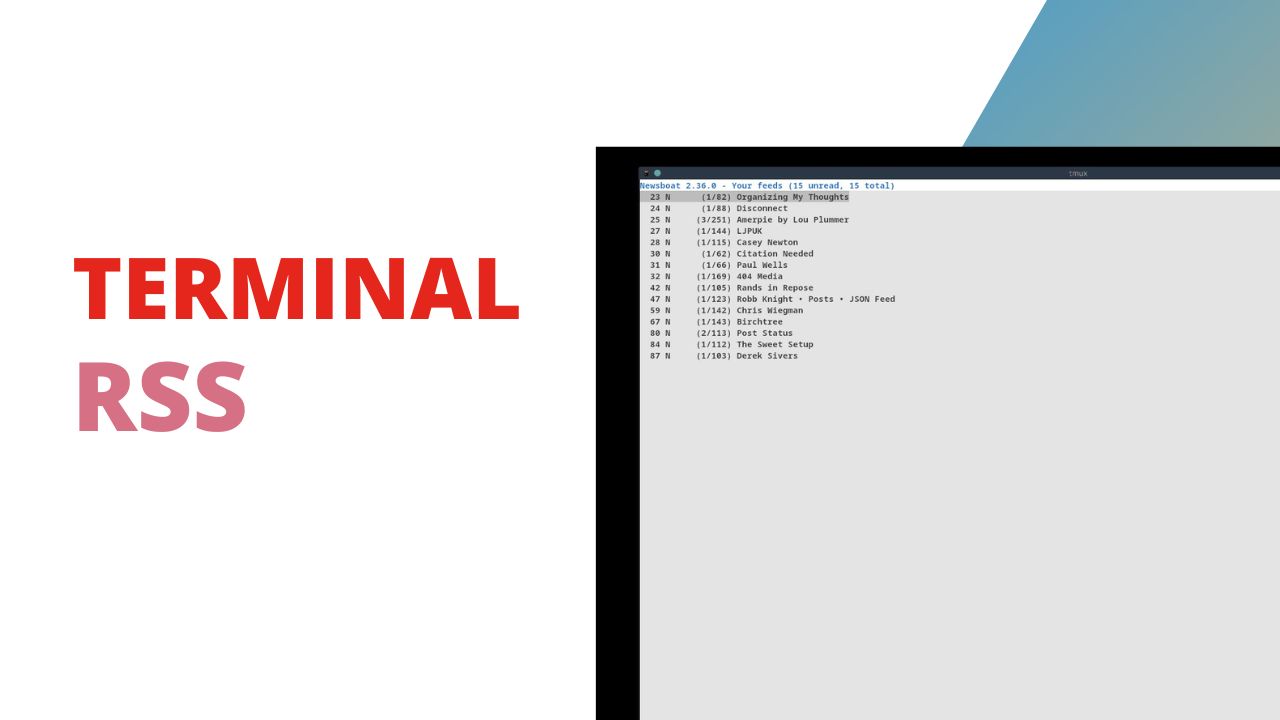
Terminal RSS with Newsboat
by
I’ve been falling in love with the simplicity of terminal based apps lately and that started in part with Newsboat the terminal based RSS reader I’ve been using for a few months. I’ve already written a short post about setting up Newsboat with Nix Home Manager but wanted to take a deeper dive into the
Use Your Mac without a Mouse with Homerow
by
Previously I’ve shown off VimiumC as a way to navigate content inside your web browser without needing to take your hands off the keyboard to reach for your mouse, but now I’ve found a tool for macOS that lets you do the same thing for the entire operating system called Homerow. Homerow costs $29/year for
Ultimate Keyboard Control Task Management – nvim OrgMode
by
I’m sure someone is going to try and blast me for talking about OrgMode and then using Vim in the same sentence, because OrgMode is an Emacs thing not a Vim thing and the divide between users of the editors often seems like a holy war. As I said in my article on my issues
Manipulating Images from the Terminal
by
With my switch to Fedora as my main working operating system I needed to change how I process images for this site. I want images to be small, but still a good enough quality to see. On macOS I used Permute via SetApp to batch process images, but Permute is not available on Linux. So
Issues with TickTick
by
Since I work across macOS, Linux and iOS I need to use a task manager that supports all of those environments well which is why I’ve been using TickTick for a while. Most of it’s features are supported on every platform, and overall the function of the application is nice, but that doesn’t mean it’s
Install Espanso on Fedora with Wayland
by
I’ve been using Espanso on macOS for a while now, but haven’t had the chance to git into it on Fedora yet because there wasn’t a one click way to install it. Today we’re going to go over the Fedora install instructions from the Espanso site. This was my first time compiling a piece of
Cross Platform Snippet Management with Espanso
by
Since I added Linux to my operating system workflow I am no longer able to have all my text snippets, including code, only available on macOS. I need a cross-platform snippet tool and today we’re going to look at Espanso which is my current option for a cross-platform snippet manager. Installing Espanso On macOS, you
In Depth Look at Reflect.app
by
This is a sponsored review. That means Reflect paid me to do it and provided a free account for the review. They didn’t get to see/approve any part of this before it was published. Today we’re going to take a deep dive into Reflect.app, a note-taking tool focused on your Daily Notes. If you want
Cross-platform offline documentation
by
For years I’ve relied on Dash to provide offline documentation for coding projects. Unfortunately, the excellent Dash app is not available cross-platform which means I’ve started using Zeal for offline access to coding documentation. Add Docs to Zeal To add documentation to Zeal click the button provided when you open the application. Then search through