Category: Apps

Brydge Keyboard for 12.9” iPad Pro
by
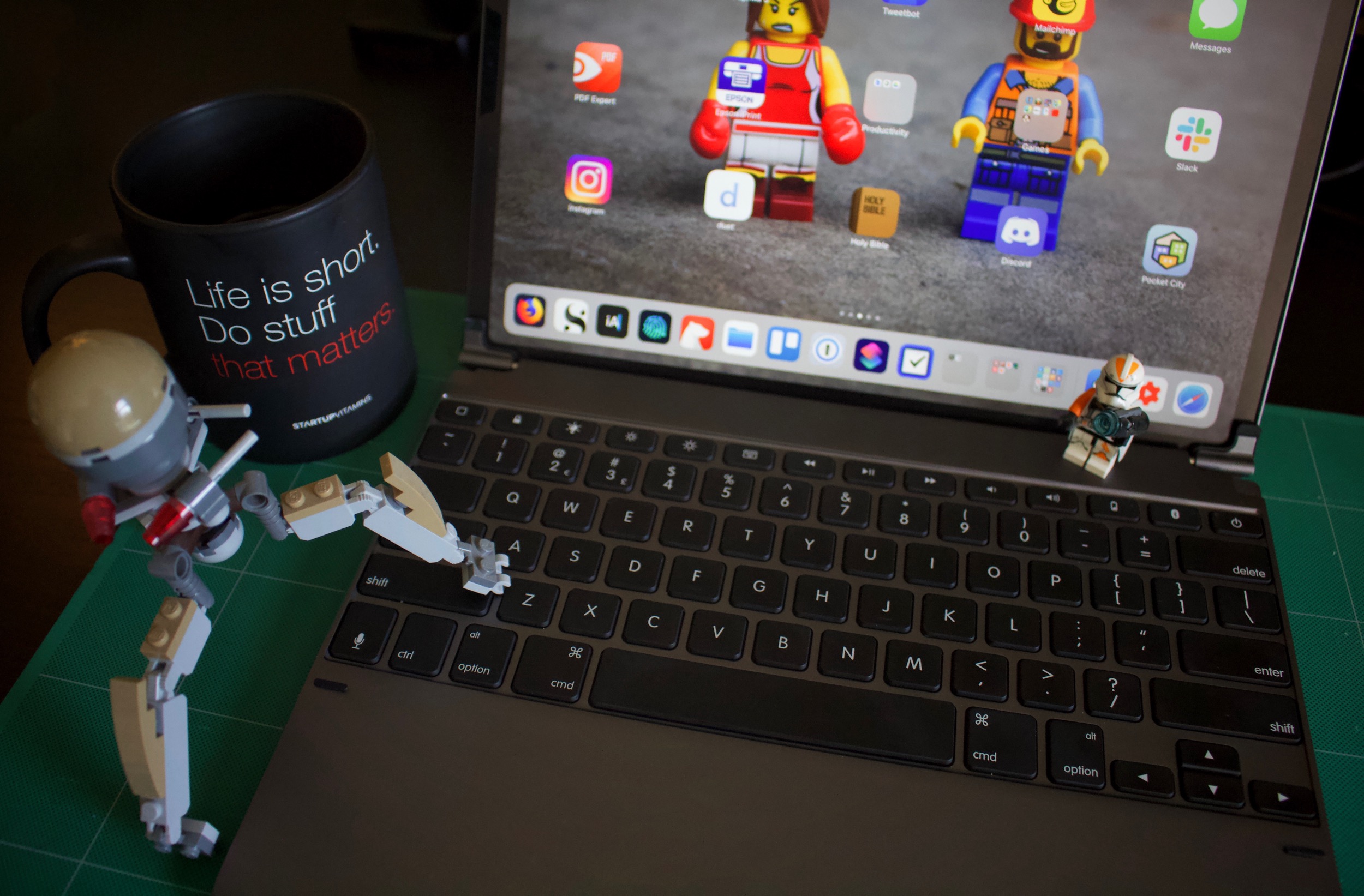
Like Frederico Viticci of MacStories, every time I have posted an image of testing my iPad Pro with the Brydge keyboard I’ve had some comment about a laptop. I agree with Viticci’s response: why turn an iPad into a laptop when Apple makes actual laptops designed for this purpose? And I have an obvious answer

Sign in With Apple Is a Bad Idea
by
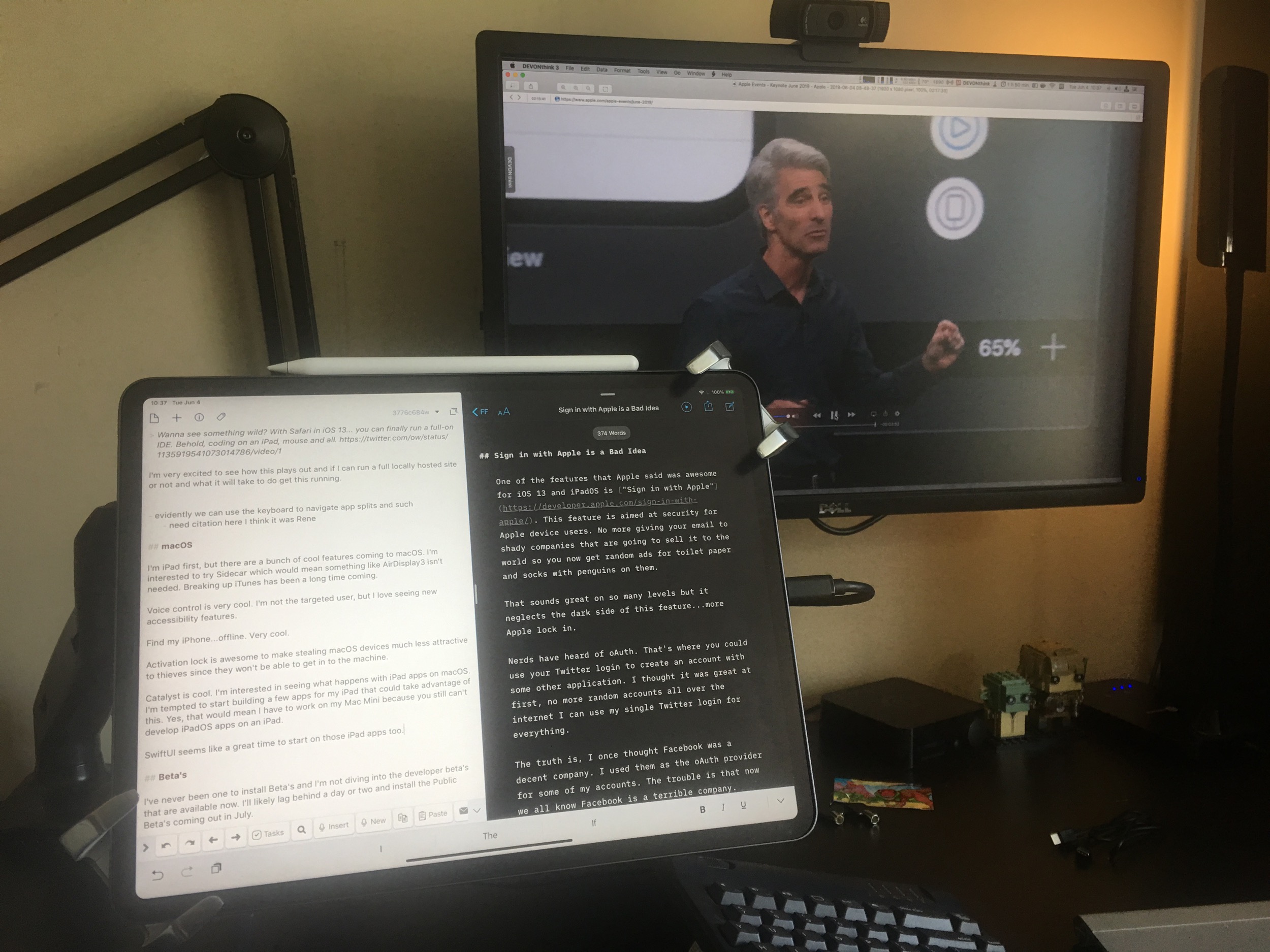
One of the features that Apple said was awesome for iOS 13 and iPadOS is “Sign in with Apple”. This feature is aimed at security for Apple device users. No more giving your email to shady companies that are going to sell it to the world so you now get random ads for toilet paper

Logitech Slim Folio Pro for 12.9” iPad Pro – A Review
by
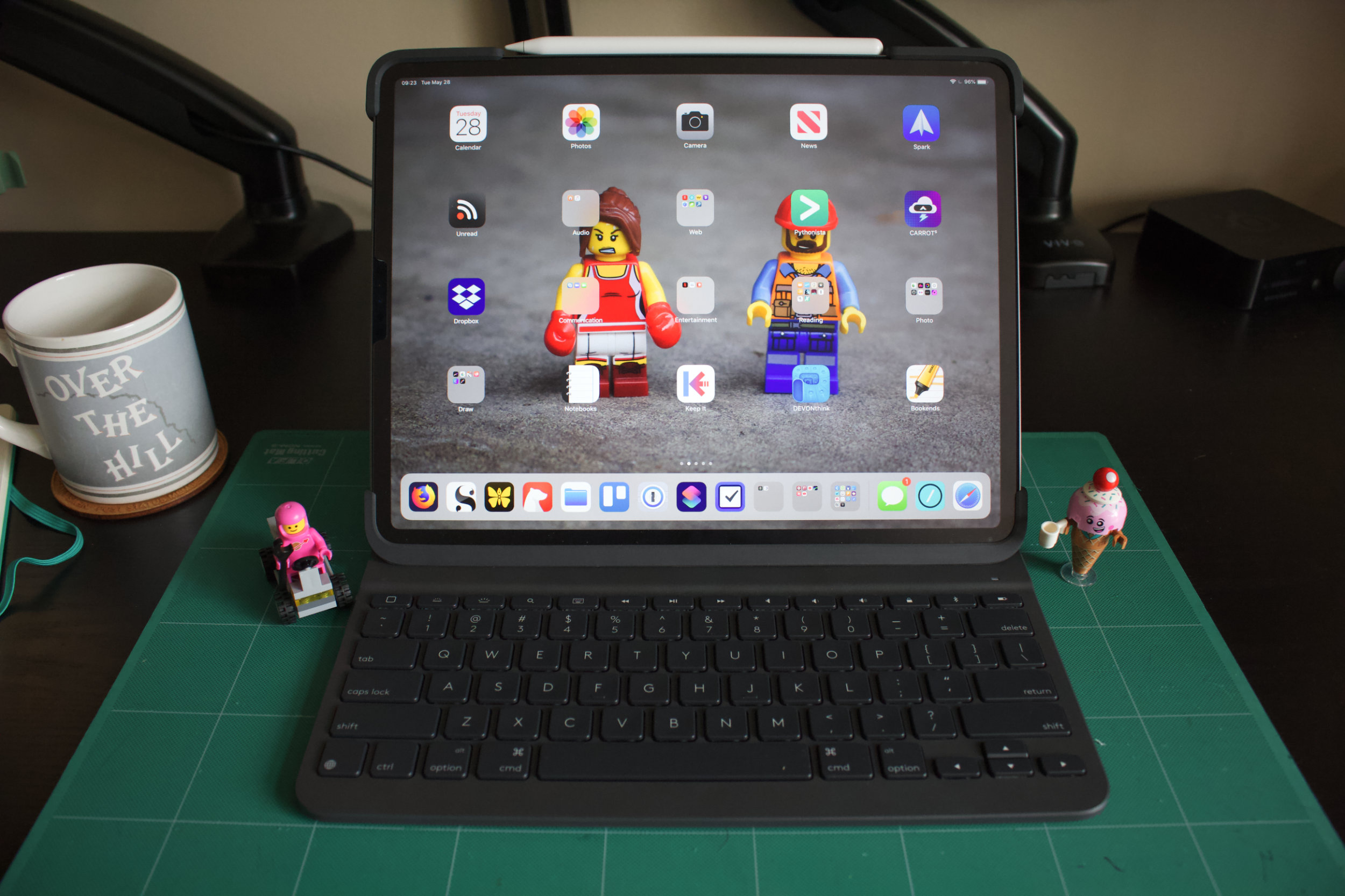
While previous iPad’s I’ve owned started as consumption devices and then turned into productivity devices my purchase of an iPad Pro 12.9” over Christmas was fully focused on making the iPad my primary working machine. Over 6-months in, and with a 1 month old Mac Mini, I can say that this has largely been achieved.

Is Reeder 4 or Unread the Best iOS RSS Reader?
by
A while ago I said that Unread was the new bar for having a beautifully readable interface for your text based content. It was so much better I felt that Instapaper needed to take a step forward to keep up. Now Unread has some faults, most glaringly it’s entire lack of the ability to manage
How I use my iPad to Solve Code Problems as a Web Developer
by
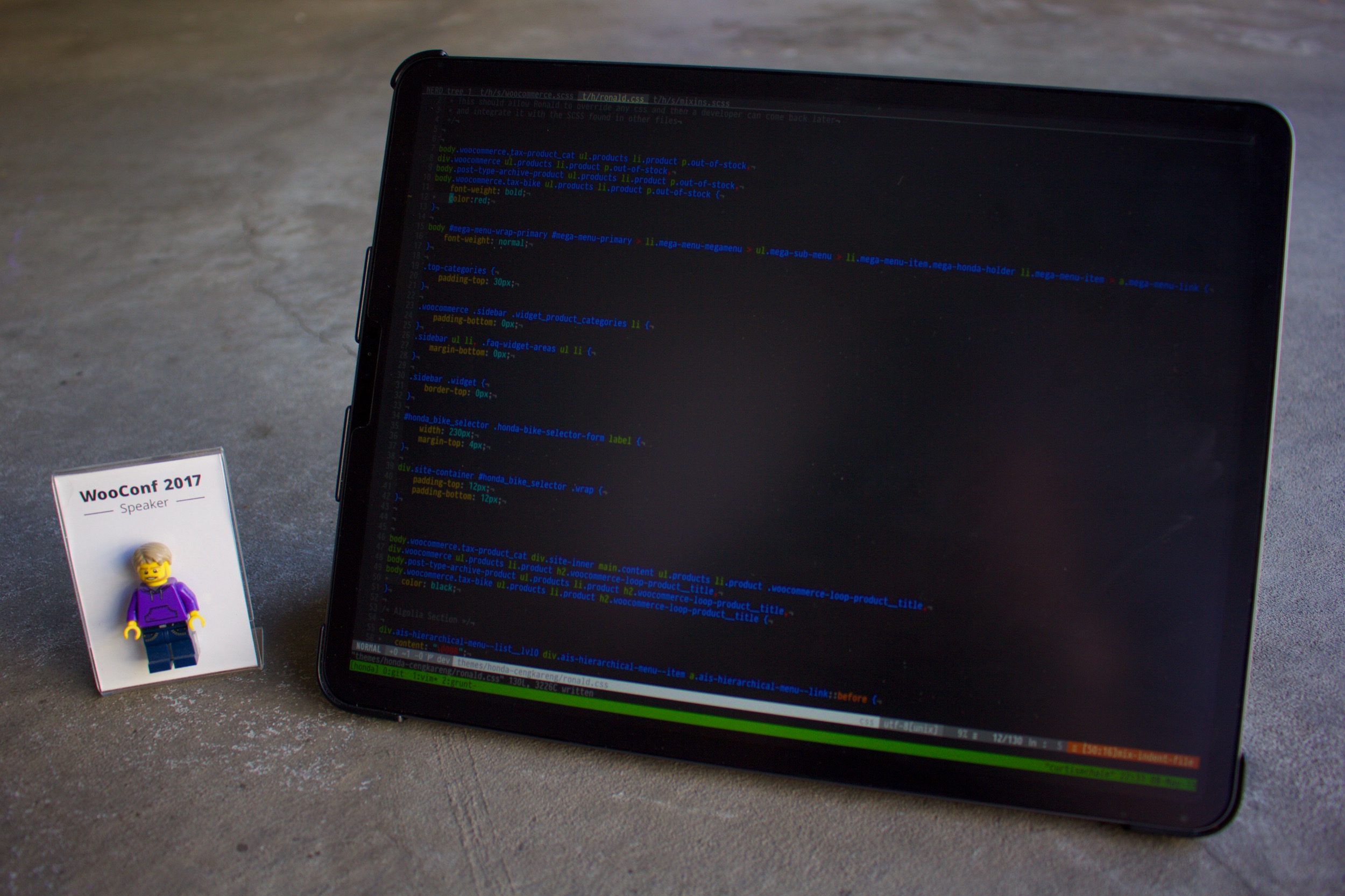
Today you get a walk through of a real life problem that I’m solving for a client on my iPad. You can see the tools I use and I try to call out the keyboard commands I’m using at the same time. Inspect Browser Blink Shell My Vim Setup My Gear My gear: https://curtismchale.ca/my-gear Patreon:
Kingston USB C Hub for iPad Pro
by
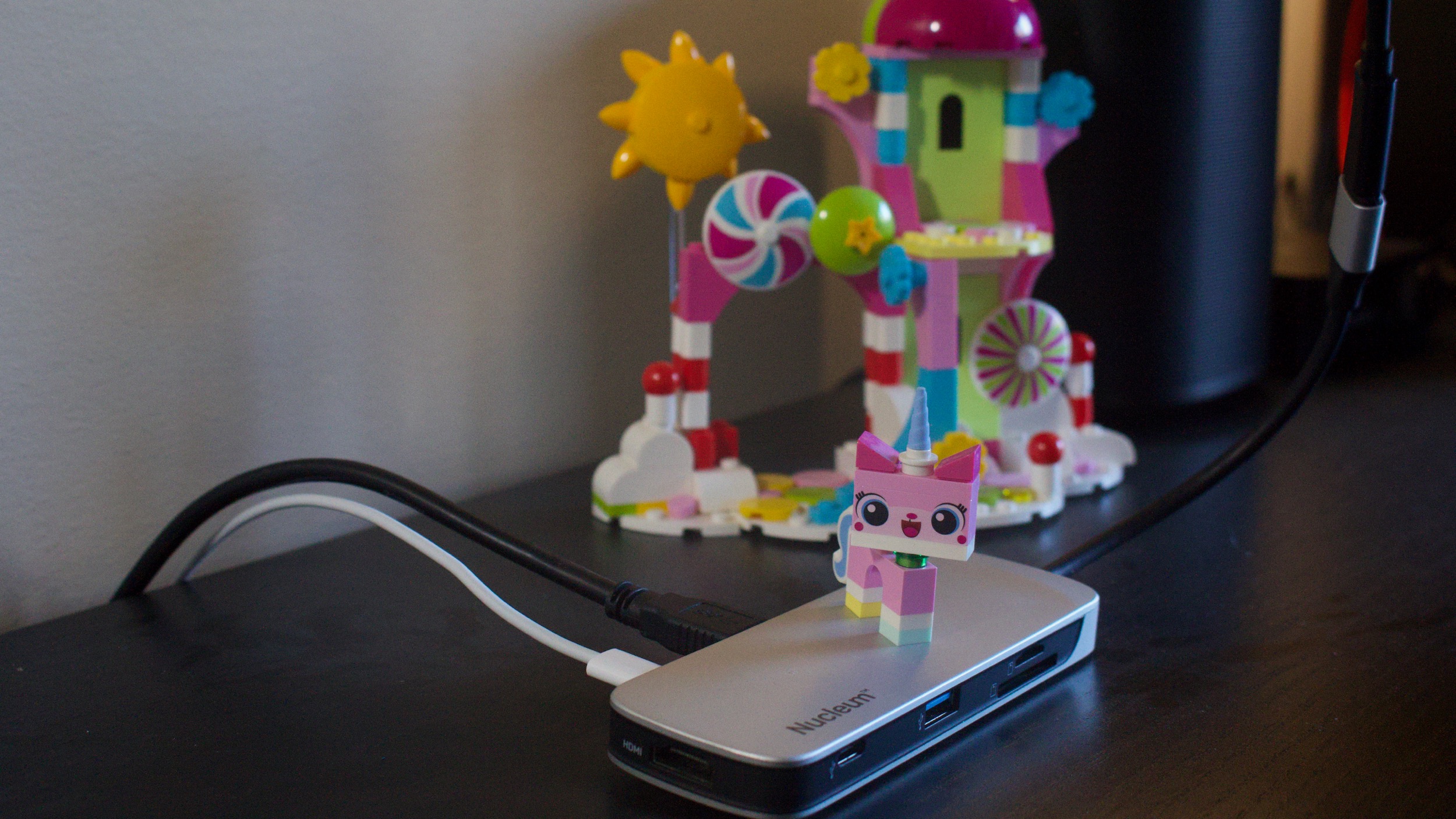
Today’s video is a bit about the USB C accessories I use with my iPad Pro to get it all functional. The biggest issue with the whole thing was the crazy short cable on the USB C Hub, which they all seem to have. A short extension cable cleaned that up and got my desk
How I use Ulysses and Shortcuts to write from my iPad Pro
by
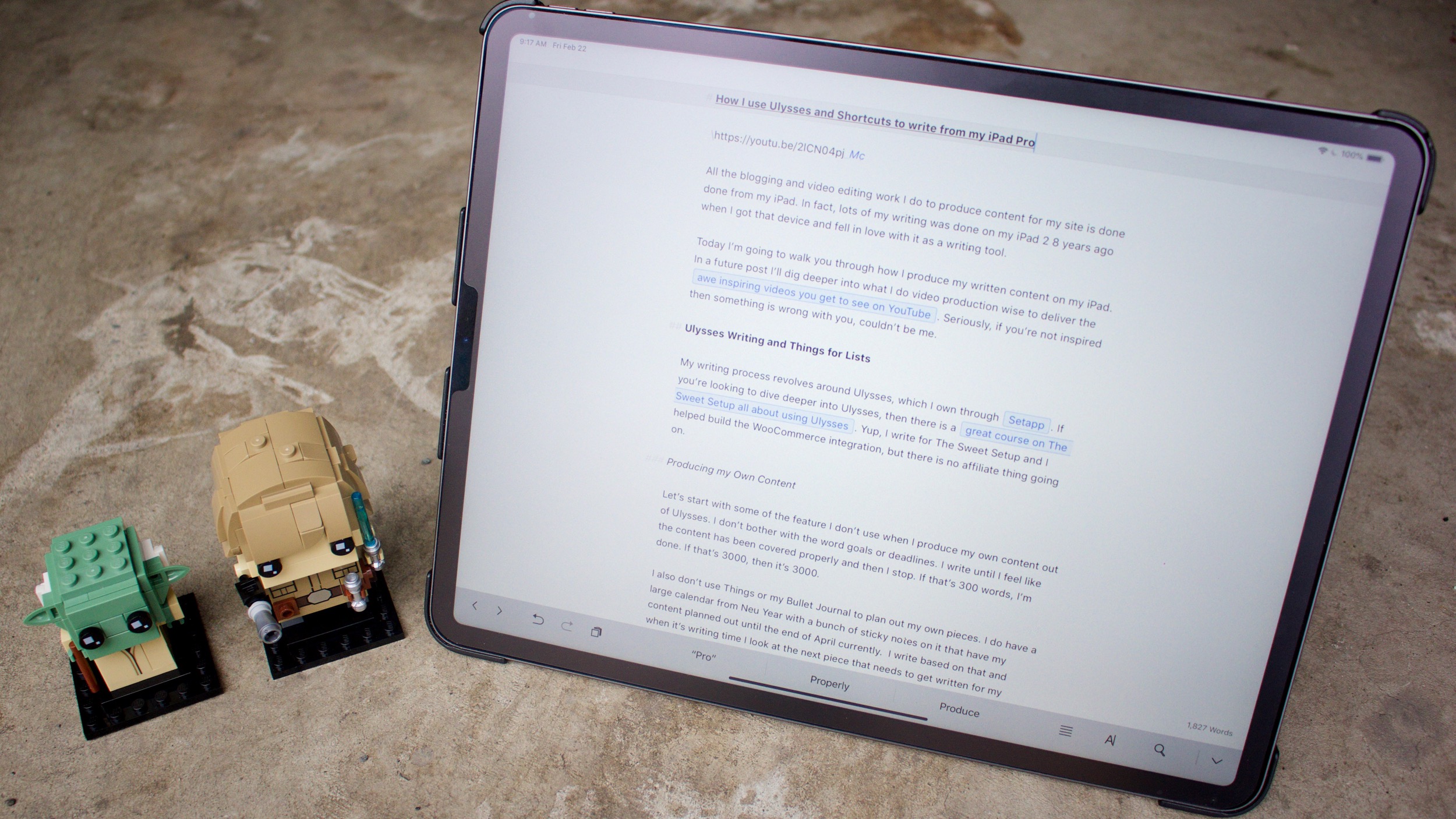
All the blogging and video editing work I do to produce content for my site is done done from my iPad. In fact, lots of my writing was done on my iPad 2 8 years ago when I got that device and fell in love with it as a writing tool. Today I’m going to

iOS, Blink Shell, Mosh and tmux
by
https://youtu.be/M0axVFIemQ86 Over the years as a developer I’d heard about tmux a number of times, but when someone said it was a terminal multiplexer my eyes would glaze over and I’d move on to a more immediate problem that needed solving in my development workflow. Then as I moved to the iPad as my main
Jason Snell on iOS Roadblocks
by
From Jason: As I wrote earlier this month, I ended up finishing my Six Colors Report Card story on the Mac because I ran into several roadblocks when I tried to finish the project on my iPad. He has a bunch of minor things that he couldn’t “just do” on an iPad and so…he went
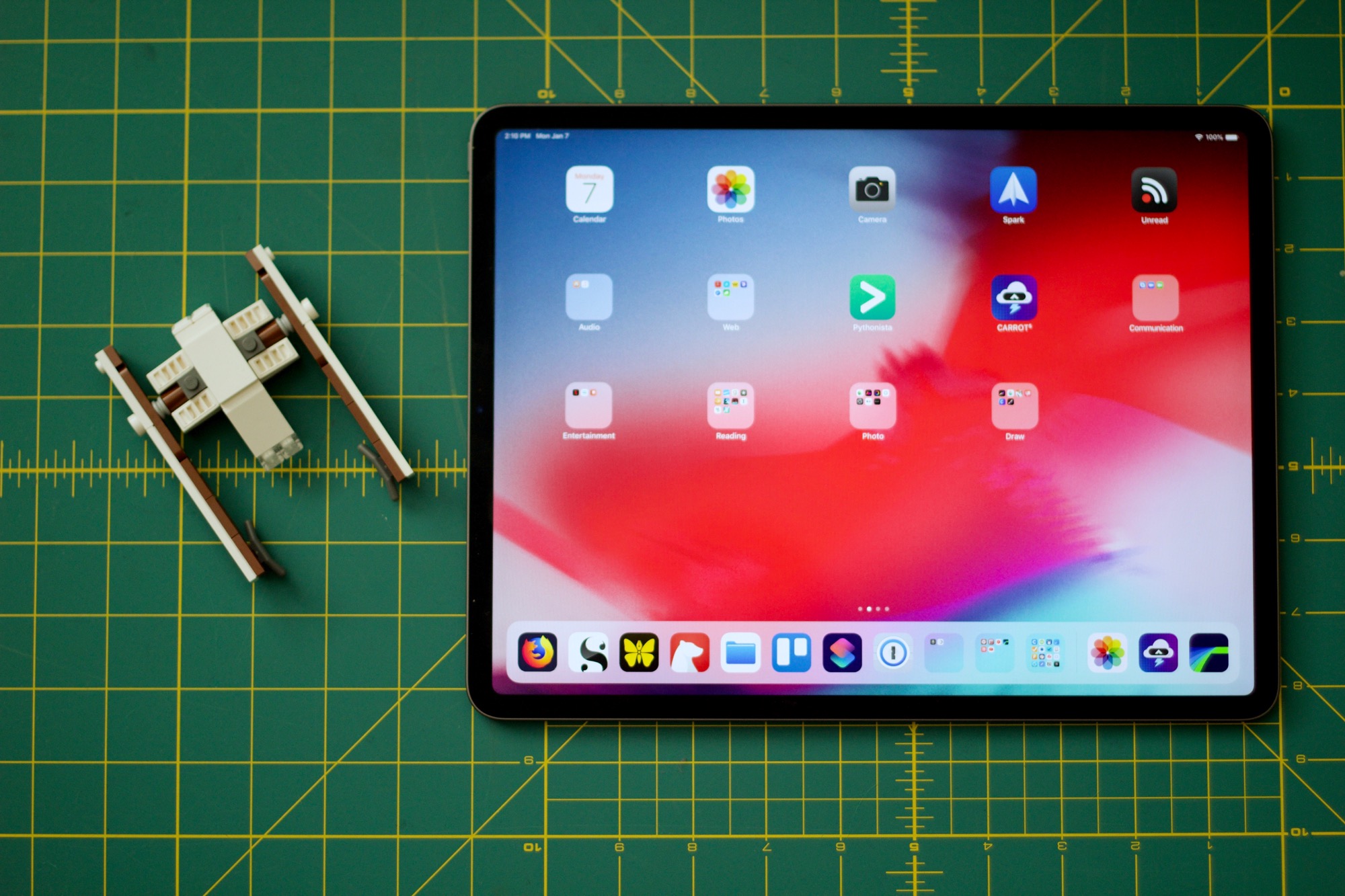
12.9 iPad Pro Homescreen 2019
by
I’ve been doing my iPad life on a 9.7” iPad Pro for my iPad fist workflow. Yes it worked. Yes I found that I was more focused with the iPad Pro and think that iOS is an operating system that lends itself to focus over traditional desktop systems. The constraints it brings had me publish