Category: Apps

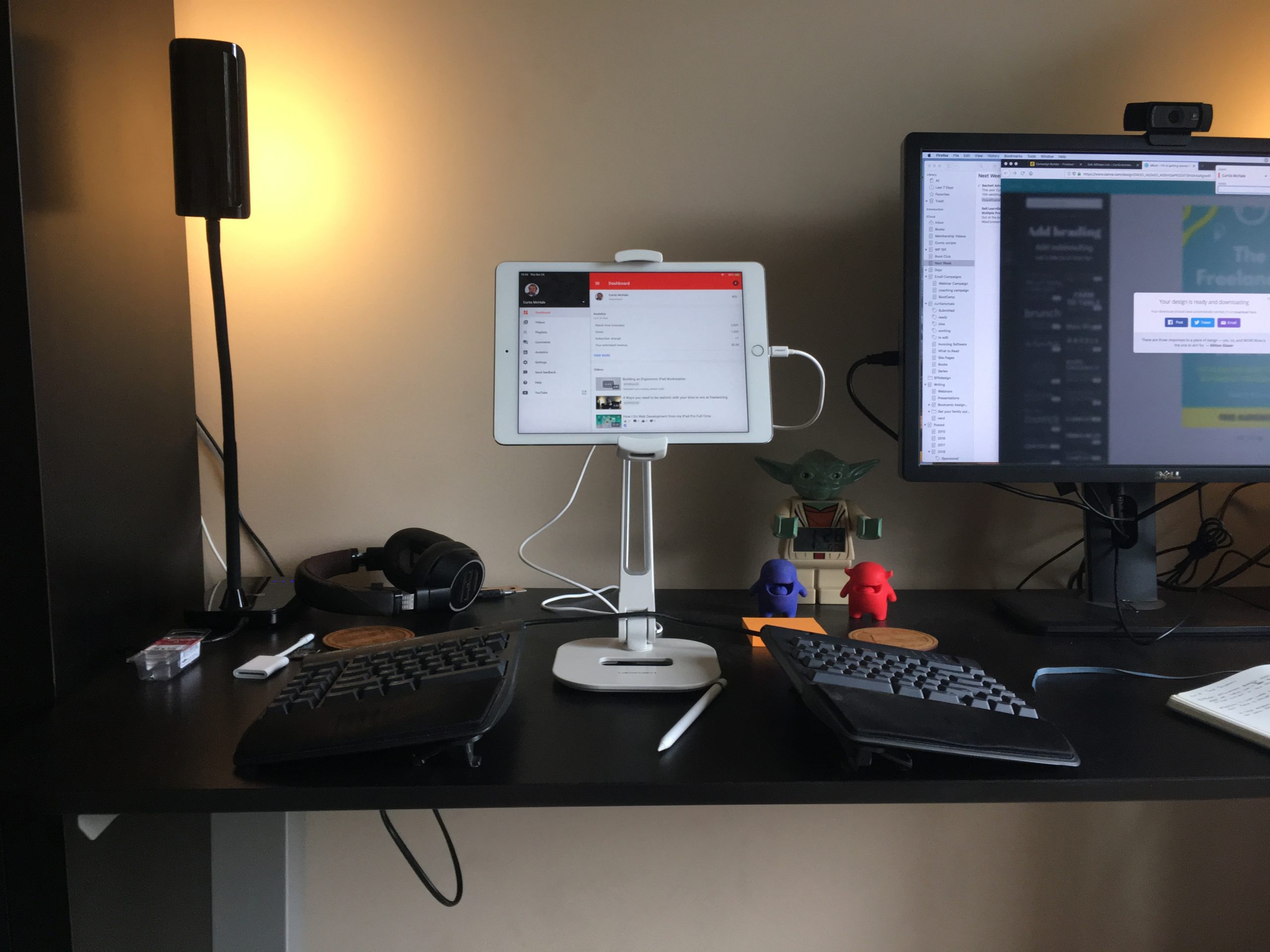
Building an Ergonomic iPad Workstation
by
A while ago I wrote about my iPad setup. Today, I’ve got a video of what I’m using right now to do all my web development work and writing work. Ledetech iPad Stand: https://curtismchale.ca/recommends/ledetech-ipad-stand/ Kinesis Freestyle Blue: https://curtismchale.ca/recommends/kinesis-freestyle-blue/ Gear Used iPad Pro 9.7 (not available but the 10.5 is): https://curtismchale.ca/recommends/ipad-pro-on-amazon/ Canon 60D: https://curtismchale.ca/recommends/canon-60d/ Rode Video

How I Do Web Development from my iPad Pro Full Time
by
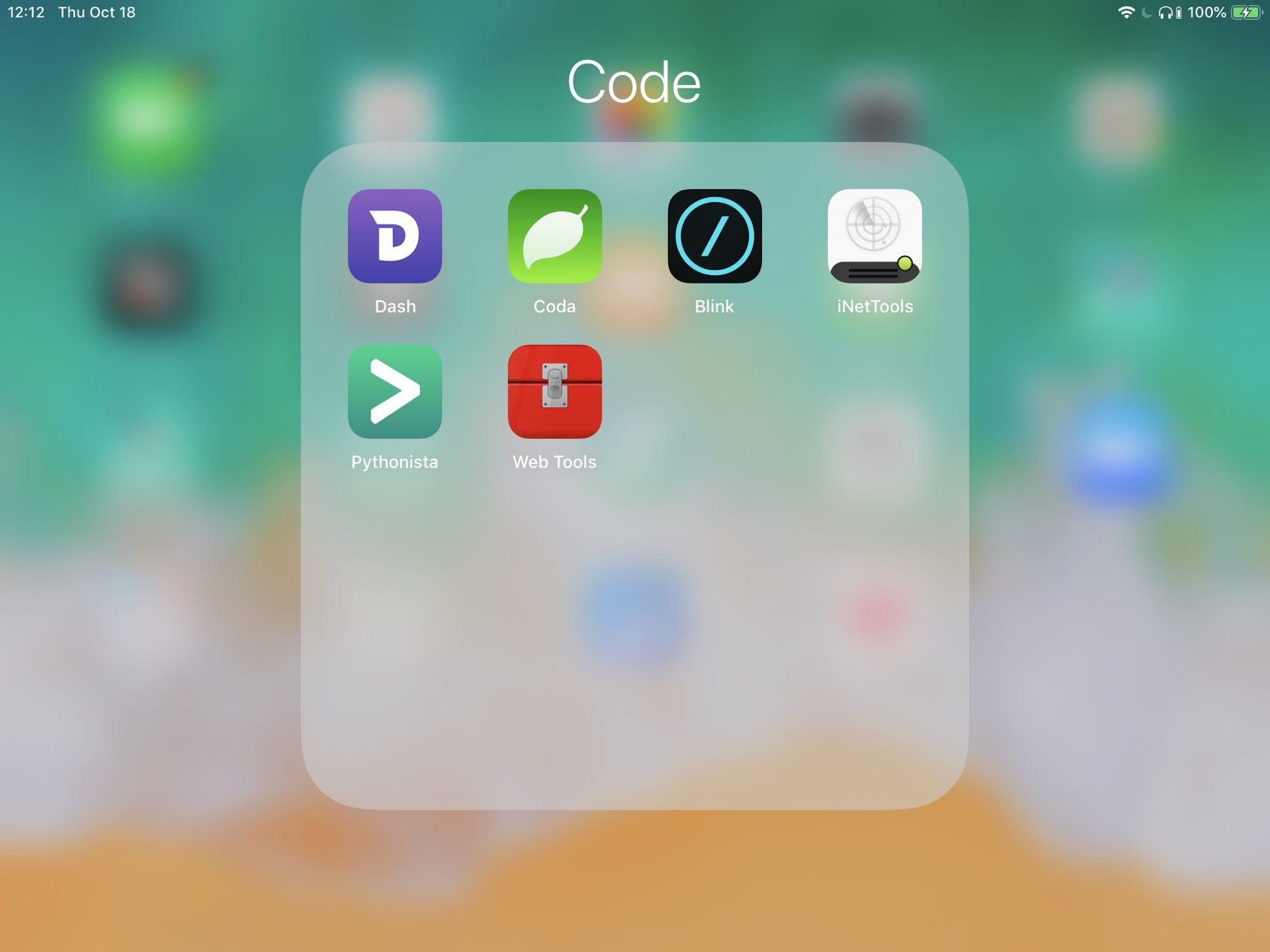
Blink Shell this support Mosh yes I’ll do a better review of this on it’s own later the point today is to put it all together for you I had already used Vim and a bunch of Unix tools, so moving it all to Digital Ocean wasn’t a problem You can see my Vim config…

Is Pocket ready for iPad Power Users?
by
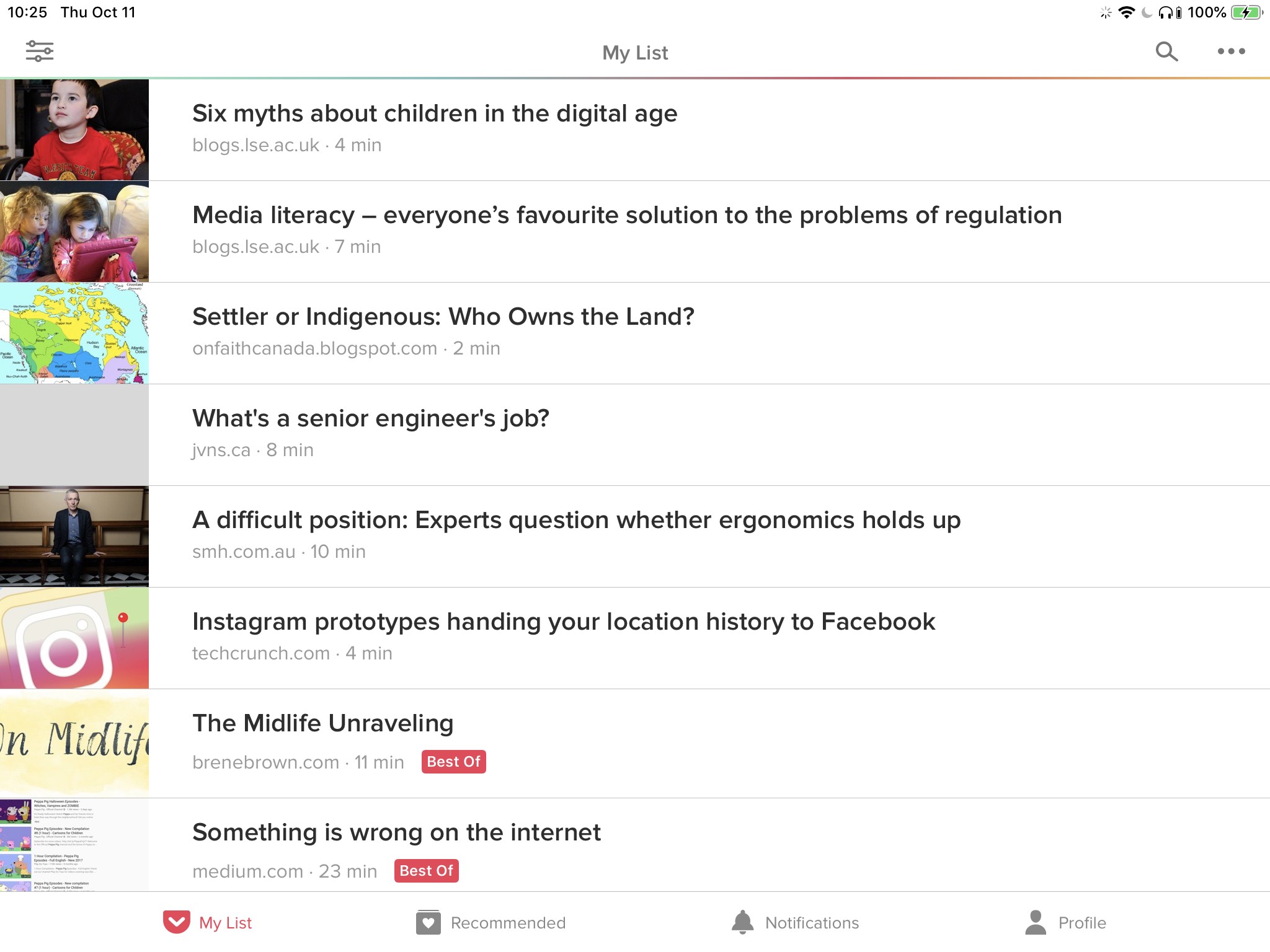
Last week I took a look at Unread on iOS. One of the comments I made was that after using Unread, all other reading applications suddenly had a very high bar to jump. Where I once thought that Instapaper and Pocket had decent reading experiences, I realized that they were far behind Unread in this
Unread the RSS client for iOS has things to love and still things that are missing for power users
by
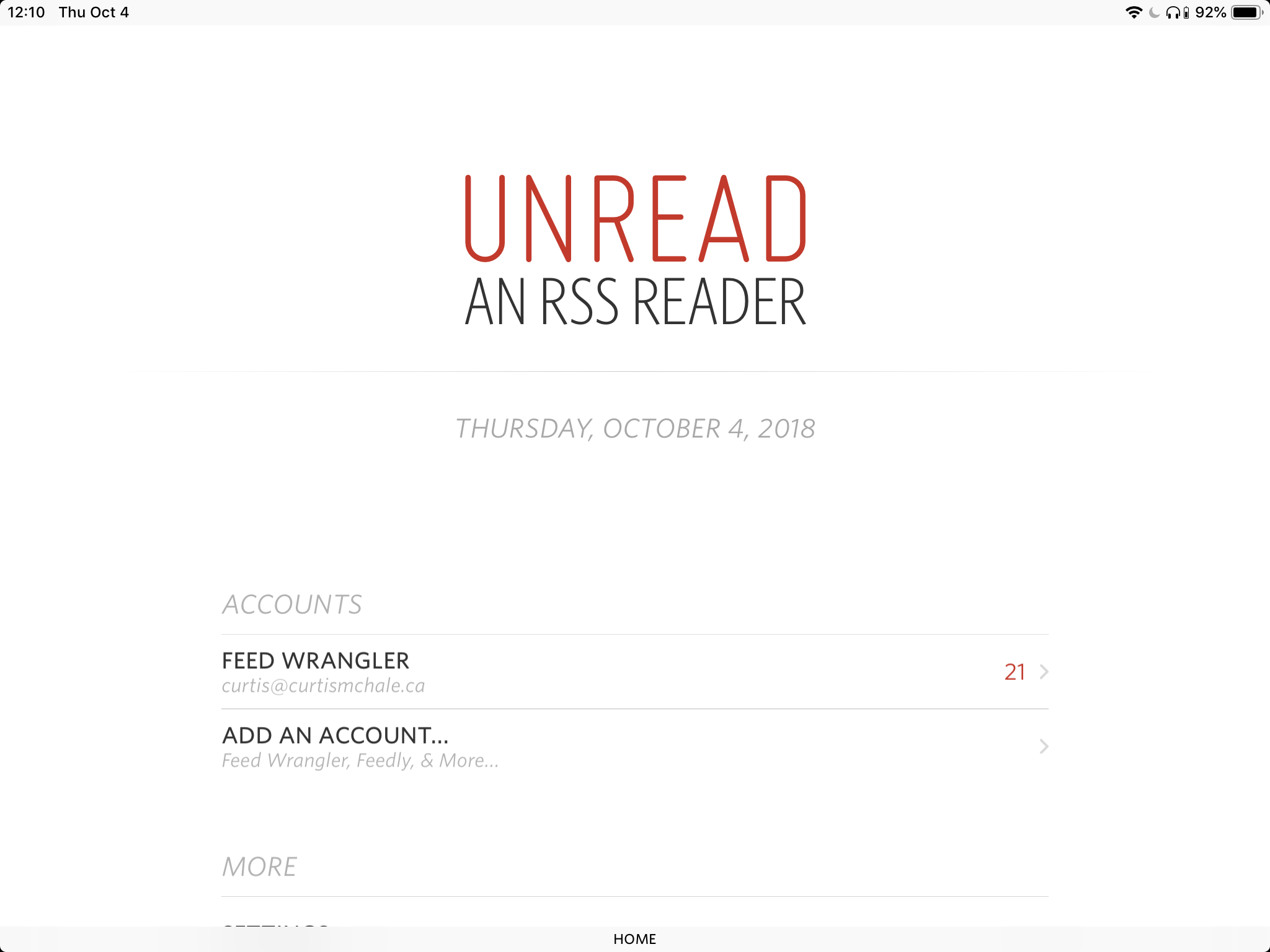
Quite a while ago I found Unread, based on the recommendation of The Sweet Setup. It quickly became the reading experience by which I judged all other reading experiences. Where Instapaper and Pocket had once looked beautiful, they now feel like they lack in their typography and design. Unread is not all daisies and roses
iOS and Citations
by
While I love being iOS first, there are often some silly workarounds still. I’ve got one for my YouTube workflow that you’ll see in a week or so. Here is a bit of a silly workaround if you’re trying to reference sources properly for academic writing. I say silly, because you have to do the

Grammarly and iOS is a Big Bag of Suck
by
I’ve written about my writing workflow a number of times and it keeps changing a bit here and there. One of the key components in the past was Grammarly. I freely admit, that my grammar and punctuation is pretty bad. I try to keep improving it but some days are better than others and this
Quickly Add Append Ideas to a Bear Note in iOS
by
My friend asked if there was a way to quickly append a thought to a Bear note from iOS. While Bear has a great Share Sheet integration which does allow you to append the “thing”1 to a note, just adding text is a bit harder. In steps Shortcuts to save the day with a widget

Taking Full WebPage Screenshots in iOS
by
Some of the writing I do requires full page screenshots of webpages. It was reasonably easy to get these on macOS in any number of ways, but it took me a while to figure it out in iOS. It’s funny it took so long because the solution was really simple. Like many iOS solutions, taking
The Features I’m Excited about in iOS 12
by
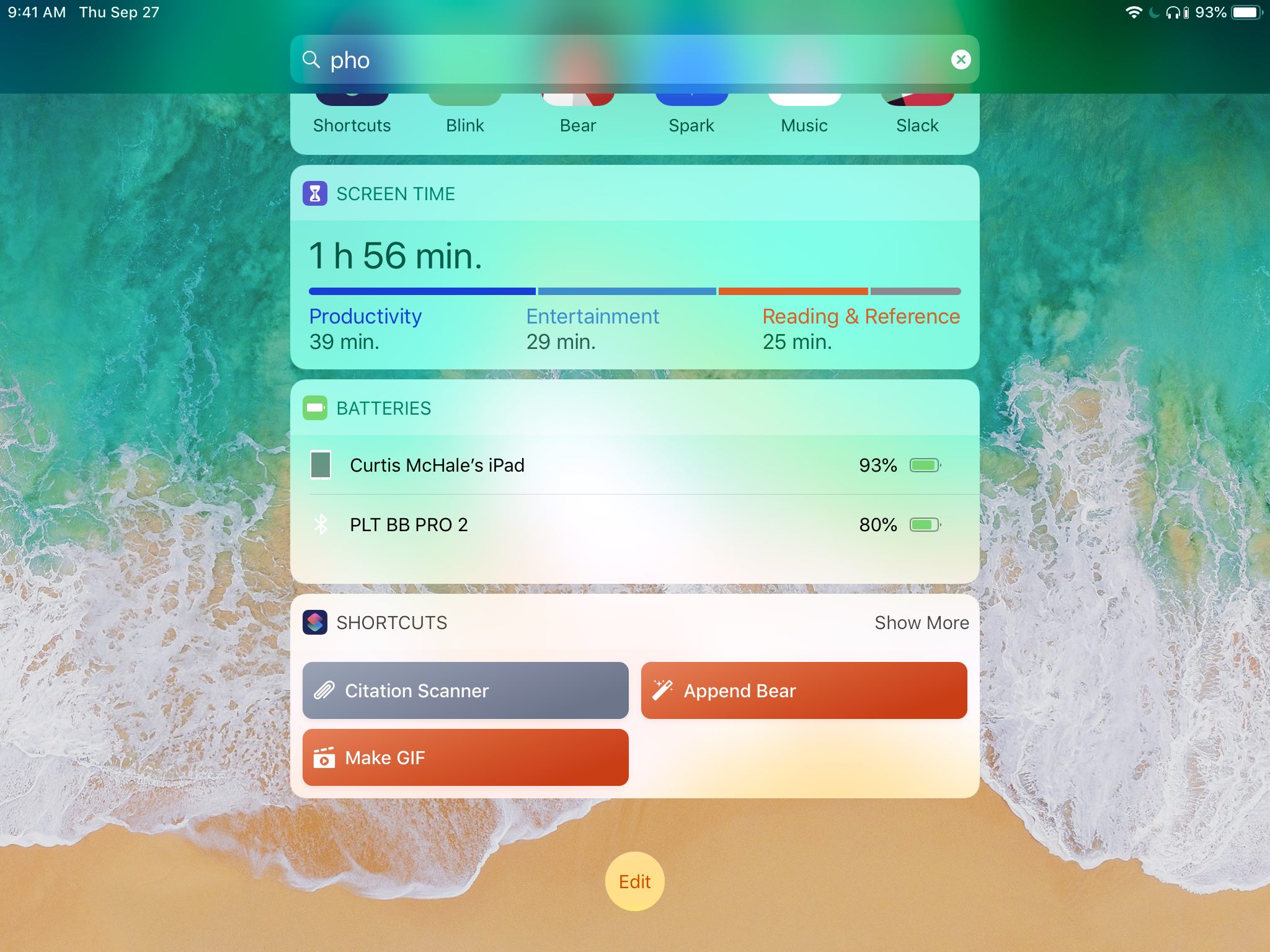
This is not a full breakdown of iOS 12. If you want that go read MacStories, I’ll see you in a few hours. Screen Time With the addition of Screen Time we’re going to see how many times we really touch our phones in the day. One day while I was trying to move some
More Goodness in Ferrite for iOS
by
I read this and yes I’ll be purchasing the update to Ferrite. The only reason I haven’t is that I run my business on Profit First and it’s not pay day so I don’t have expenses in my expense account. That means on Sept 25th I’ll make the purchase. Unfortunately, I still don’t see the