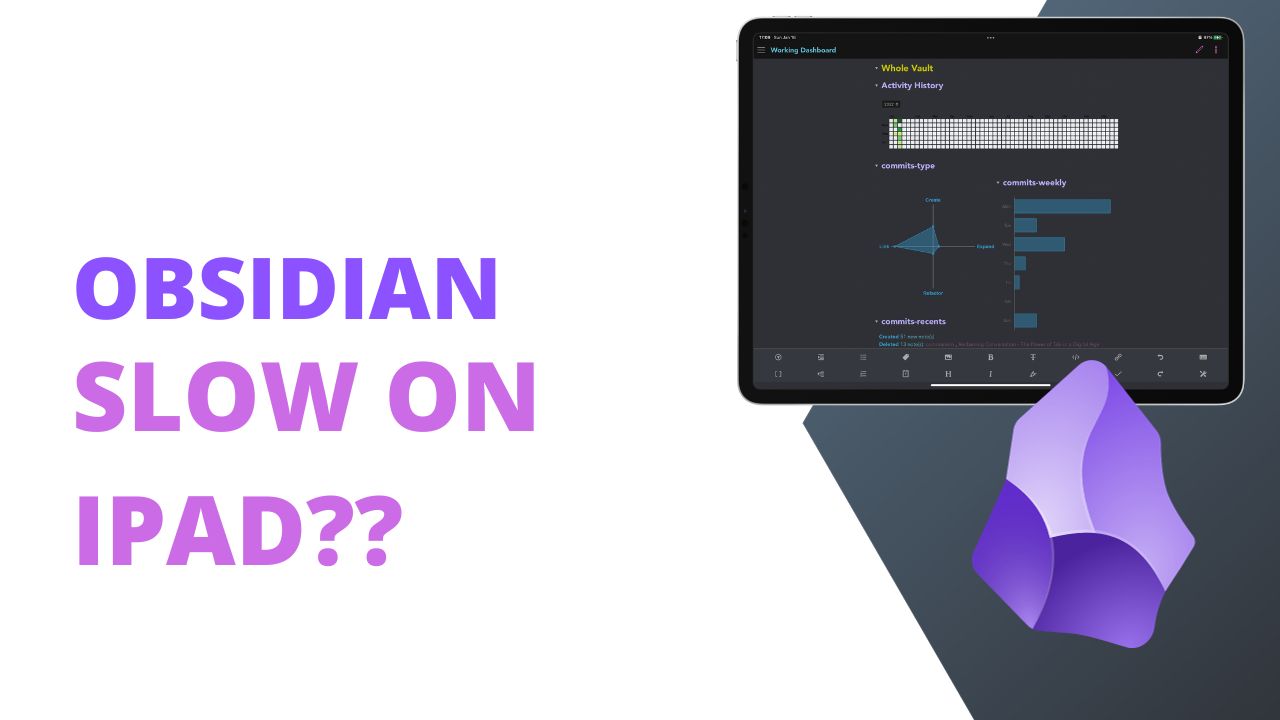
Recently I engaged in a short discussion with Chris Lawley on Mastodon about Obsidian feeling really slow on my iPad. In short, I’ve been using my iPad less because Obsidian has been slow. I’ve been unable to scroll on notes and typing is possible, but painful. This doesn’t feel like it should happen on an M1 iPadPro with 1TB of storage. In fact I grabbed my old laptop which exactly matches these specs and Obsidian doesn’t feel slow there.
Obsidian also doesn’t feel slow on my Framework that has a 12th Gen i5-1240P processor with 32GB of RAM. And the Geekbench results show that my Framework running Fedora 38 does in fact score lower than my M1 iPadPro. The Framework scores 1618 Single core and 8810 multi-core, compared to the M1 iPadPro with 2246 single core and 8103 multi-core.
Obsidian shouldn’t be using multi-core processing to manage text files, so my iPadPro is quite a bit faster than my Framework which leads to the question, why does Obsidian operate so slow on my iPadPro?
What is Making Obsidian Slow?
I’ve been a WordPress developer for almost 15 years now and one of the places you start with when you find a slow WP site is in the plugins menu. Long ago it was said that too many plugins would slow down your site, which is partially true. One bad plugin that does a bunch of crap poorly will slow down your site. 100 well written optimized plugins will barely make a dent in how slow/fast your site works.
So that’s the first place to start, turning off all the plugins in Obsidian. That means no more Projects, no more Book Search, no more Dataview. Since one of the big draws of Obsidian is the plugin ecosystem keeping my plugins turned off isn’t viable in the long term.
But I’ll tell you something right away, the slowness of Obsidian is gone when it doesn’t have any plugins activated.
Now, in what is familiar to any WordPress developer, we get to activate a single plugin at a time and then see which plugin is causing the issue. Before I started that process though I went through my Obsidian plugins and turned off any plugins that were still active from my video demos on YouTube. Then I deleted any plugins that were not active.
The plugins removed were:
- Activity History (inactive)
Tracking Writing Progress with Activity History and Commits
-
Advanced URI (inactive)
-
Annotator (active)
-
Commits (inactive)
-
Customizable Page Header and Title Bar (inactive)
-
Dangling Links (inactive)
Find Orphaned Notes with Dangling Links
-
Editor Syntax Highlight (inactive)
-
Embed Code File (inactive)
-
Homepage (active)
-
Icon Shortcodes (active)
How to Add Icons to Obsidian Content
-
Metatable (inactive)
-
NLP (inactive)
-
Novel Word Count (inactive)
-
Obsidian42 - BRAT (inactive)
-
Osidian42 SNW (inactive)
-
Periodic Notes (inactive)
-
QuickAdd (inactive)
- Tidy Footnotes (inactive)
Note that only two of those plugins were active the rest were just sitting there turned off, though I assume that Obsidian does something with them on startup just to register that they are in fact on my system.
With the plugins removed from Obsidian I force quit it and then opened Obsidian back up to try and see how it functioned with no plugins. Then I gradually turned plugins back on until I was left with the following plugins on and active.
My video on tracking your library
My video on using Graph Analysis
Making Connections with Readwise and Obsidian
- WordPress (doesn’t work on mobile though)
After this little adventure I’d say that Obsidian is not slow on my iPad, something in the plugins was slow and I was incorrectly blaming Obsidian. That means, I’ll be using my iPad more again for writing. In fact the [[8BitDo Retro Nintendo Keyboard]] review was so slow that I had given up working on it but with plugins off I was able to add a few hundred words to it without issues.